How to Use QR Codes on Resumes in 2025
Short Answer:
You can use QR codes on your resume to instantly direct recruiters to your online portfolio, LinkedIn profile, video intro, or personal website. This tech-savvy move can make your application stand out, especially in competitive job markets.
🔍 Why Add QR Codes to Your Resume?
In 2025, digital-first hiring is the norm. Adding a QR code to your resume not only makes you look modern and proactive, but also helps hiring managers instantly access more info about you—without cluttering your resume.
Benefits of Using QR Codes on Resumes:
- 📁 Direct access to your portfolio, LinkedIn, or personal website
- 🎥 Share a video introduction or resume explainer
- 📱 Mobile-friendly for on-the-go recruiters
- 🧠 Makes your resume more interactive and memorable
- 🎯 Stand out in a tech-savvy job market
🛠️ What You Can Link With a QR Code
You can link any digital asset that helps you showcase your skills or personality:
- 💼 LinkedIn profile
- 🖥️ Online portfolio or personal website
- 🎬 YouTube video or resume walkthrough
- 🧾 PDF or Google Doc version of your resume
- 🗂️ GitHub/Behance/Dribbble profile
- 📩 Contact form or calendly booking page
✍️ Where to Place the QR Code on a Resume
Best Placement Ideas:
- 🔝 Top-right corner (for visibility)
- 📄 Inside the header near your name or contact info
- 📎 At the end of the resume next to a CTA (e.g., “Scan to view my portfolio”)
👉 Tip: Keep it small but scannable—about 1" x 1" is ideal for print and digital resumes.
💡 Best Practices for Resume QR Codes
✅ Do’s:
- Test the code before sending
- Use a dynamic QR code (so you can update the link later)
- Add a short call-to-action, like “Scan to view my work”
- Match the QR code style to your resume design
❌ Don’ts:
- Don’t overuse QR codes—1 is enough
- Avoid linking to outdated or cluttered websites
- Don’t make the code too small or too large
🔐 Secure & Trackable QR Codes with QuitURL.com
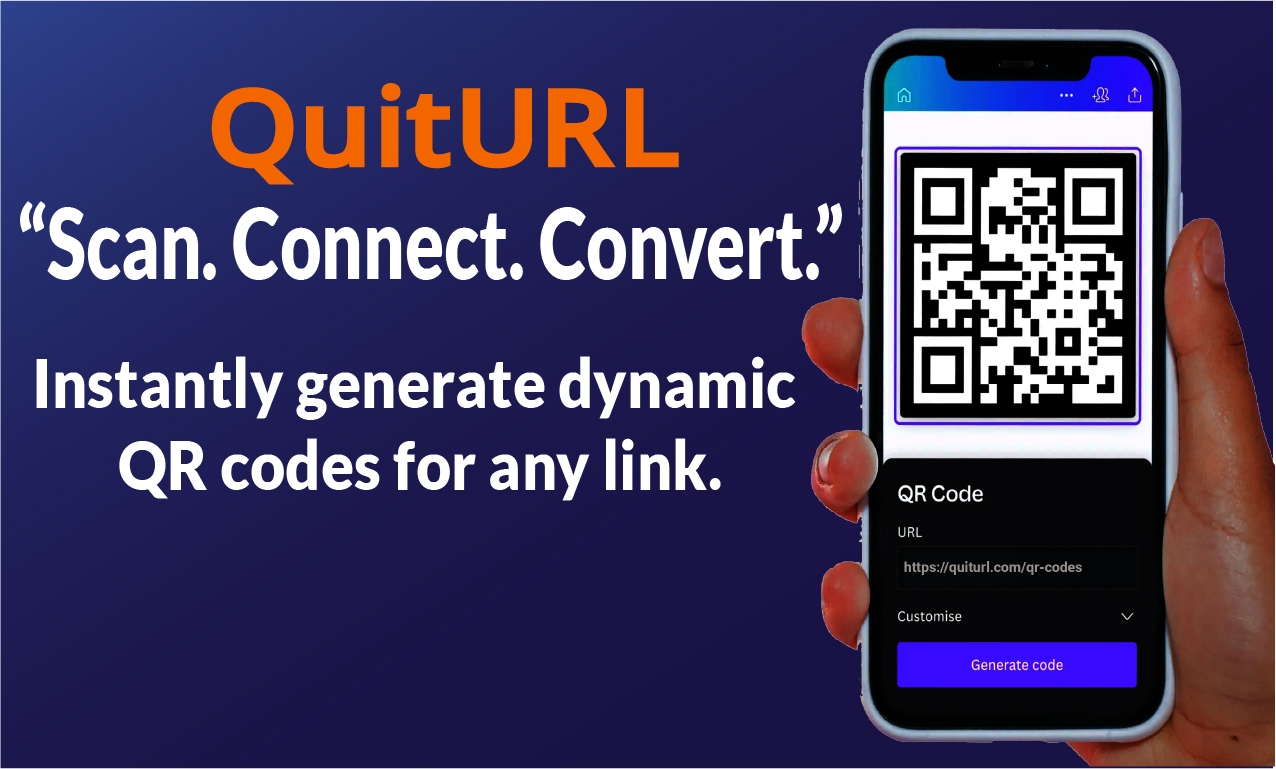
For professionals who want more control, QuitURL.com is the perfect QR code generator.
Why use QuitURL for resume QR codes?
- 🎨 Customizable design to match your resume branding
- 🔗 Short link + QR code combo
- 📈 Analytics to track how many times it’s scanned
- 🔐 Privacy-first with secure redirects
- 🔁 Dynamic QR codes you can edit later
- 💼 Perfect for job seekers, freelancers & creators
🧠 Pro Tip: Use a Branded Short Link + QR Code
With QuitURL, you can create a branded short link like yourname.quiturl.com/portfolio and generate a matching QR code. It looks clean, professional, and builds trust.
🏁 Final Thoughts: Make a Modern First Impression
Adding a QR code to your resume in 2025 is more than just a tech trick—it’s a strategic way to showcase your digital presence, stand out from the crowd, and make it easier for recruiters to connect with you.
📌 Whether you’re a designer, developer, marketer, or student, a smartly placed QR code can say more than a paragraph ever could.
👉 Want to create your QR code today? Try QuitURL.com — it’s free and powerful!