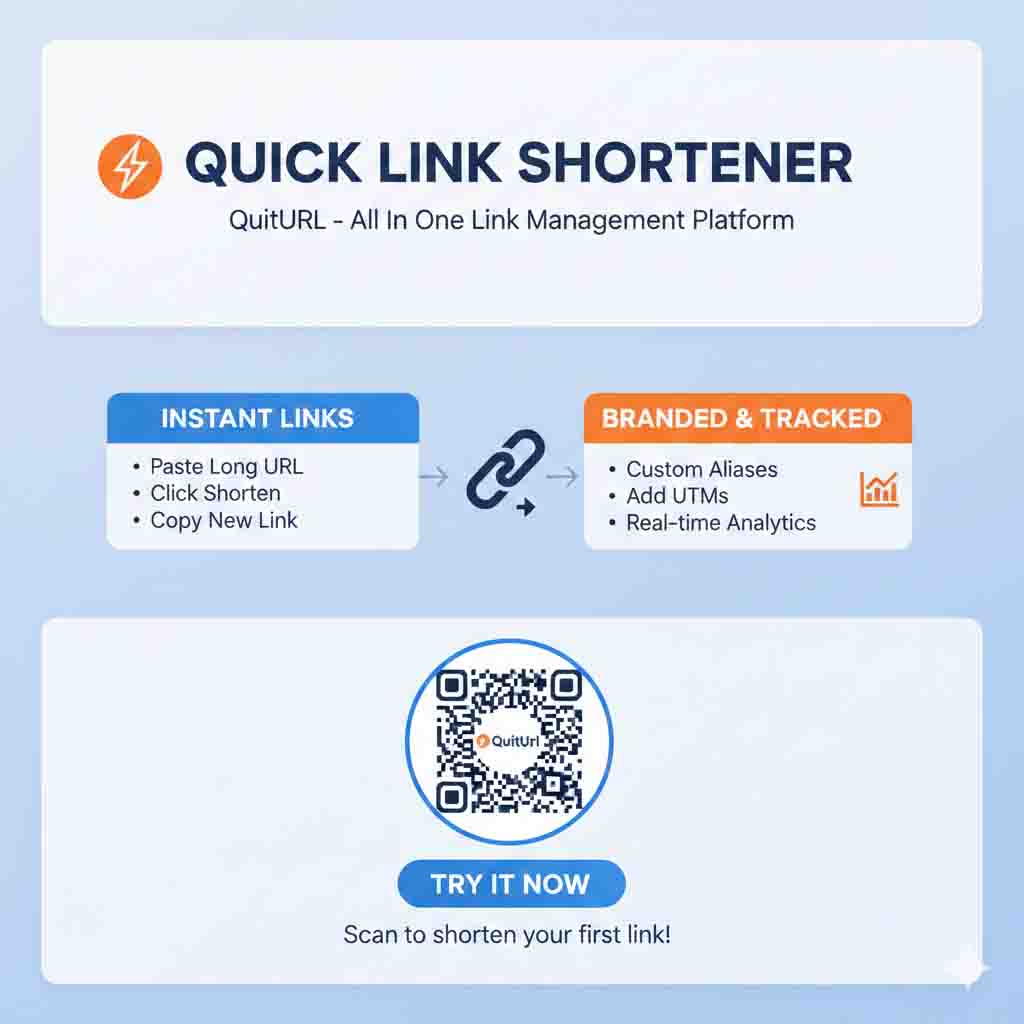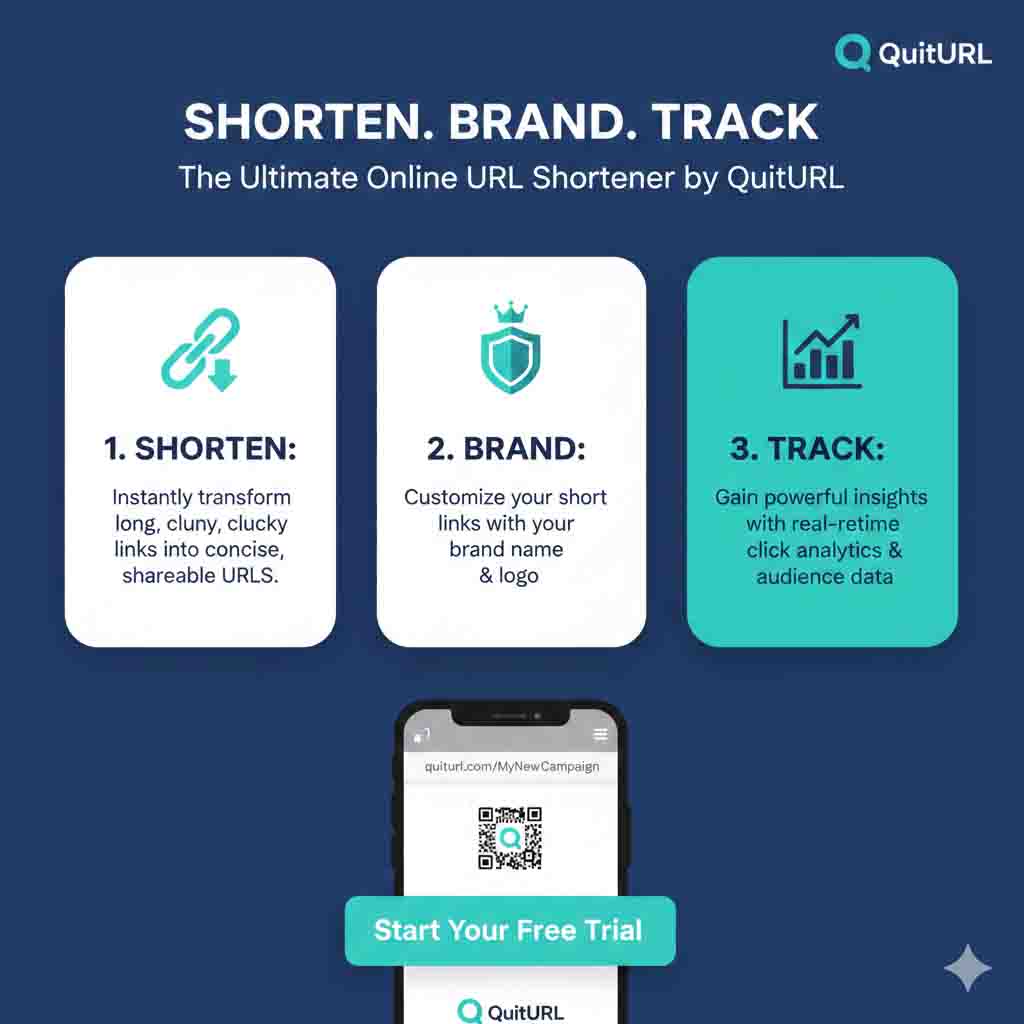
An online URL shortener is a free web-based tool that converts any long, messy web address into a short, clean, shareable link — instantly, directly from your browser, with no software to install. If you've ever hesitated to share a link because it looked too long or untrustworthy, a URL shortener solves that problem in under 60 seconds. The best option in 2025? QuitURL — a powerful, completely free online URL shortener that gives you custom aliases, real-time click analytics, and auto-generated QR codes without charging a cent.
What Is an Online URL Shortener?
The Simple, No-Jargon Definition
An online URL shortener is a tool you access through any web browser — on your phone, tablet, or computer — that takes a long web address and squishes it into a much shorter one. There's nothing to download, install, or configure. You just visit the website, paste your link, and get a compact version back in seconds. The short link works like a signpost — anyone who clicks it gets automatically sent to your original page, completely transparently and without any delay they'd notice.
To understand why this matters, think about what a typical URL looks like in the real world. A product page on an e-commerce site might read: https://www.shopexample.com/category/electronics/smartphones/brand/model-x256gb-midnight-blue?ref=email&campaign=summer25&session=abc123. That's nearly 130 characters. An online URL shortener turns it into something like quiturl.com/model-x — 22 characters, clean, readable, and far more likely to get clicked. The tool stores the mapping between the short code and the full address in a database and handles all redirects automatically.
Online URL Shortener vs Traditional Methods
Before dedicated online tools existed, people would manually edit URLs, use redirects through their own web server, or rely on platform-specific shorteners built into social networks. These approaches required technical knowledge, hosting resources, or platform lock-in. An online URL shortener removes all of that friction — it's universally accessible, requires zero technical skill, and takes seconds rather than minutes. The modern generation of tools like QuitURL goes further, adding analytics, custom branding, and QR code generation into the same free, browser-based experience.
How Does an Online URL Shortener Work?
The Technical Process Made Simple
When you paste a URL into an online shortener and click the shorten button, the tool generates a unique short identifier — typically 5–8 characters — and saves the pairing of that code with your original URL in its database. Your short link is then constructed by combining the tool's domain with that unique code. For example, if QuitURL assigns the code bx82k to your link, your short URL becomes quiturl.com/bx82k. If you set a custom alias like summer-sale, it becomes quiturl.com/summer-sale instead.
When a visitor clicks your short link, their browser sends a request to QuitURL's server. The server looks up the code in its database, retrieves the original URL, and responds with a redirect instruction — sending the visitor's browser to the full destination URL. This entire process happens in milliseconds. The visitor experiences no noticeable delay, and they land on exactly the right page as if they had clicked the original link directly.
What Gets Tracked — and How
Modern online URL shorteners are more than just redirectors — they're lightweight analytics tools. Every time someone clicks your short link, the server logs a set of data points: the exact timestamp, the visitor's approximate country (derived from their IP address, anonymously), the device type (mobile, desktop, or tablet), the browser they're using, and the referral source (what website or app they came from). None of this personally identifies anyone — it's aggregate, anonymous data that gives you a clear picture of your link's performance. Tools like QuitURL present all of this in a real-time dashboard that's intuitive enough for a complete beginner to understand at a glance.
Benefits of Using an Online URL Shortener
The advantages of using an online URL shortener touch every aspect of how you share content online — from aesthetics to performance to data. Here's a full breakdown of what you actually gain.
🔗 Cleaner, more professional links — Short links look intentional and trustworthy. Long URLs filled with parameters look spammy, especially in emails and messages.
📊 Real-time click analytics — See total clicks, unique visitors, geographic data, device breakdown, and referral sources for every link you create.
✏️ Custom branded aliases — Create descriptive links like
quiturl.com/portfolioorquiturl.com/june-offerthat tell people exactly where they're headed.📱 Automatic QR code generation — Every short link comes with a downloadable QR code — perfect for print campaigns, menus, event posters, and business cards.
🔄 Editable destinations — Change where your link points anytime, without changing the short URL itself. Essential for bio links and printed materials.
⚡ Instant redirect speed — Quality shorteners redirect in under 100 milliseconds with no user-facing delay.
🌐 Works everywhere — SMS, WhatsApp, email, Instagram bios, Twitter/X, LinkedIn posts, printed materials, and live presentations.
💸 Completely free — The best tools, including QuitURL, offer all core features at zero cost — no credit card, no trial period, no catch.
Why Should You Use an Online URL Shortener?
For Personal Use — Everyday Link Sharing
Even outside of marketing or business, there are dozens of daily situations where an online URL shortener makes your life easier. Sending a long Google Drive link to a family group? Sharing a YouTube video in a text message? Dropping a resource in a WhatsApp group? In all of these cases, a short link is tidier, faster to type if needed, and simply looks better. It signals care — that you took a moment to make the experience cleaner for the person receiving it. And with tools like QuitURL, that "moment" is genuinely under 30 seconds.
For Professionals — Data-Driven Content Strategy
Durjoy is a digital marketing consultant based in Dhaka who manages content and campaigns for eight different clients across multiple industries. Before adopting an online URL shortener, he shared links the same way everyone does — copy, paste, send. He had no idea which links were performing well, which platforms drove the most traffic, or whether anyone actually clicked what he shared. After switching to QuitURL, everything changed. He could see, per link, how many people clicked, from which country, using what device, and from which platform. Within three months, this data directly influenced content decisions for every one of his clients — shifting posting schedules, refining targeting, and reallocating budgets toward channels that actually delivered results.
For Students and Educators
Educators use online URL shorteners to share lesson resources, reading materials, and assignment links without overwhelming students with impossible-to-type addresses. A teacher who shortens https://docs.google.com/document/d/1ABCdef... to quiturl.com/week4-reading can write it on the board in seconds — and students can type it without errors. Students use short links to share references cleanly in group chats and collaborative documents. And presenters — from university students to conference speakers — use short links and QR codes to let their audience access resources instantly without fumbling with a long URL.
Real-Life Examples of Online URL Shorteners in Action
Example 1 — Durjoy's Multi-Platform Campaign Tracking
Durjoy was promoting a new product launch for a client across Facebook, Instagram, LinkedIn, and a weekly email newsletter. Rather than sharing the same long product page URL everywhere and never knowing which channel performed best, he created a separate QuitURL short link for each platform: quiturl.com/launch-fb, quiturl.com/launch-ig, quiturl.com/launch-li, and quiturl.com/launch-email. All four links pointed to the same product page. After seven days, the analytics showed that LinkedIn drove 3x more clicks than Facebook — a finding that completely reshaped the client's social media investment for the next quarter. That kind of insight, from a free online URL shortener, is genuinely transformative for small marketing teams.
Example 2 — A Café's QR Code Table Menus
A small café owner wanted to replace paper menus with digital ones — a common practice post-pandemic. Their online menu was hosted on a third-party platform and had a URL over 100 characters long. Using QuitURL, they shortened it to quiturl.com/cafe-menu and downloaded the auto-generated QR code. The QR code was printed on small table cards and placed at every table. When the menu changed seasonally, the café owner simply updated the destination URL in the QuitURL dashboard. The QR code and short link stayed the same — no reprinting, no wasted materials, no confusion.
Example 3 — A Job Seeker Sharing Their Portfolio
A graphic designer applying for freelance work had an online portfolio with a long, auto-generated URL from their portfolio hosting platform. Every time they mentioned it in cover letters, emails, or LinkedIn messages, the link looked cluttered and unprofessional. They created quiturl.com/sara-design using QuitURL and started using it everywhere. Not only did the link look polished in applications, but they could also track which employers actually visited the portfolio — giving them insight into which job applications were generating real interest.
Best Online URL Shortener Tools in 2025
The market for online URL shorteners is crowded — but the quality gap between tools is significant. Here's an honest, side-by-side comparison of the most popular options, so you can pick the right one for your needs.
| Tool | Custom Alias | Analytics | QR Code | Free Tier Quality | Ease of Use | Ideal For |
|---|---|---|---|---|---|---|
| QuitURL ⭐ Best Overall | ✅ Full & Free | ✅ Real-time | ✅ Auto-generated | ✅ Excellent | ⭐⭐⭐⭐⭐ | Everyone — all skill levels |
| Bitly | ⚠️ Paid only | ✅ Basic (free) | ✅ Yes | ⚠️ Very restricted | ⭐⭐⭐⭐ | Enterprise teams with budget |
| TinyURL | ✅ Basic | ❌ None (free) | ❌ No | ⚠️ Minimal | ⭐⭐⭐⭐⭐ | Quick one-off shortening |
| Rebrandly | ✅ Yes | ✅ Good | ✅ Yes | ⚠️ Very limited | ⭐⭐⭐ | Branded domain users |
| Short.io | ✅ Yes | ✅ Advanced | ✅ Yes | ⚠️ Developer-focused | ⭐⭐⭐ | Developers & API integrations |
| T2M | ✅ Yes | ✅ Good | ✅ Yes | ⚠️ Limited | ⭐⭐⭐ | Small businesses |
Step-by-Step: How to Use an Online URL Shortener (QuitURL Guide)
Here's the complete walkthrough — from opening the tool to tracking your first click. This works on any device: desktop, tablet, or smartphone.
quiturl.com — the homepage loads instantly with a clean, distraction-free interface. There's no pop-up, no forced sign-up, and no paywall. The URL input box is front and center, ready for your link.https://.my-portfolio, event-reg, q3-report. Keep it concise, lowercase, and relevant. Your final link becomes quiturl.com/your-alias. If your alias is already taken, QuitURL will tell you immediately.quiturl.com/offer-email, quiturl.com/offer-ig, quiturl.com/offer-wa — all pointing to the same page. This is called UTM-free multi-channel tracking, and it tells you exactly which platform drives the most clicks without any code or technical setup.Frequently Asked Questions About Online URL Shorteners
quiturl.com/xq7p2, you can set something like quiturl.com/my-store or quiturl.com/launch-day. Custom aliases are more memorable, more trustworthy, and get meaningfully higher click rates.quiturl.com, paste your URL from another tab, add an optional alias, and tap Shorten. The entire process works identically to the desktop experience. No app download is required.quiturl.com/yourname looks clean and professional, and you can update the destination URL anytime from your dashboard without editing your bio.Conclusion: The Right Online URL Shortener Changes How You Share Everything
An online URL shortener is one of those deceptively simple tools that punches well above its weight. It takes 30 seconds to use, costs nothing, and delivers cleaner links, better click rates, real-time analytics, and QR codes in one shot. Whether you're sharing a recipe, running a product launch, sending teaching materials, or managing campaigns across multiple platforms — a shortened link is simply the smarter way to share.
After testing and comparing all the major options, QuitURL stands out as the best online URL shortener available in 2025. It's the rare tool that gives you everything you need on the free plan — custom aliases, click analytics, and QR codes — without making you feel like a second-class user until you upgrade. That's not common in this space, and it's exactly why QuitURL has earned its reputation as the top choice for beginners and professionals alike.
Don't keep sharing long, ugly URLs that get ignored. Head to quiturl.com right now, paste your first link, and see the difference a clean short URL makes — for you, and for everyone who clicks it.