The Story of Sarah and the Long URL Nightmare
Sarah is a digital marketer handling multiple campaigns for her clients. One day, while sharing a product link on Facebook and Instagram, she faced a recurring problem:
https://www.ecommerceplatform.com/product?id=7890&utm_source=instagram&utm_medium=social&utm_campaign=spring-sale
It was long, ugly, and unprofessional. Her audience hesitated to click, engagement dropped, and conversions stagnated. She realized that long, messy URLs can cost clicks, trust, and revenue.
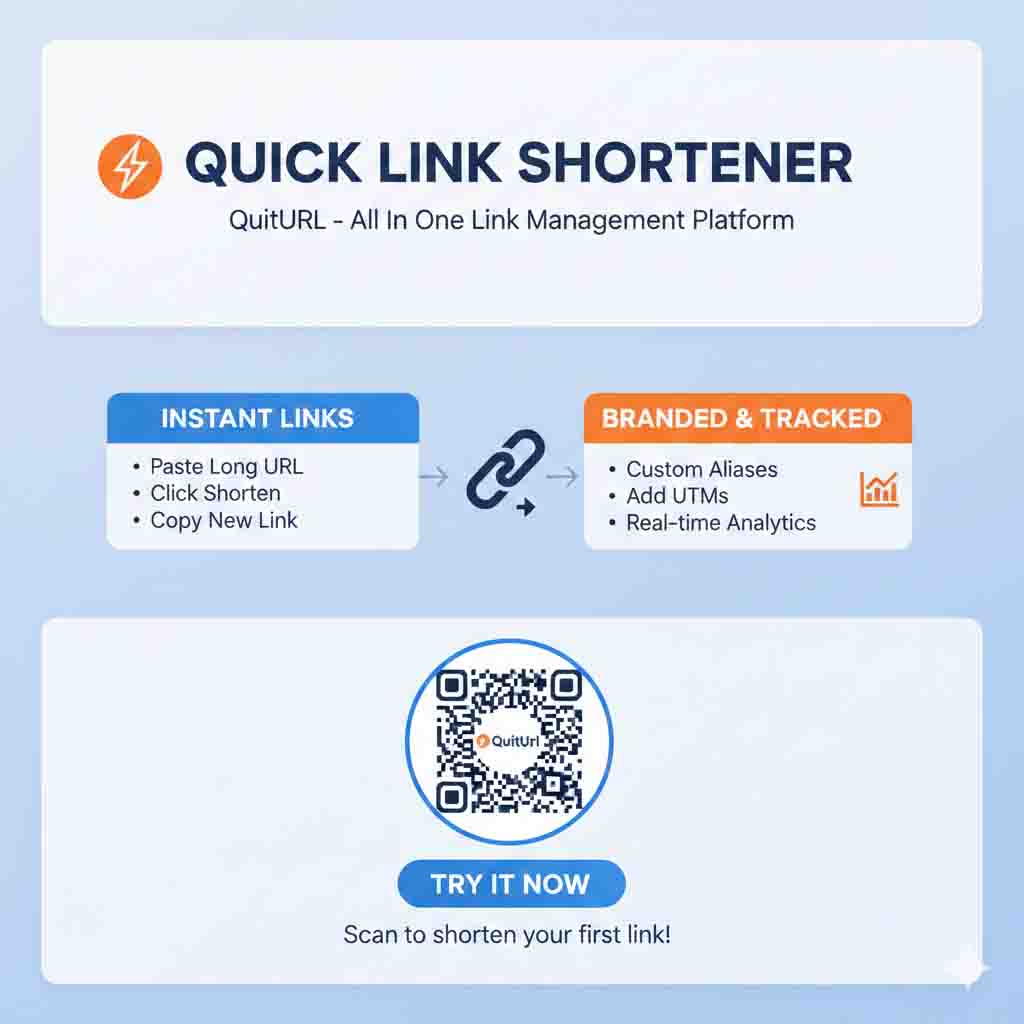
After struggling with multiple web-based shorteners, switching tabs, and manually tracking clicks, Sarah needed a fast, reliable, and professional solution. That’s when she discovered QuitURL, a Chrome extension that not only shortens links instantly but also allows branded URLs, real-time analytics, QR codes, A/B testing, and advanced marketing features—all directly from the browser.
This guide will show why QuitURL is the best URL shortener for Chrome, and why marketers like Sarah can finally reclaim lost clicks and time.
The Long URL Problem: Why It Hurts Your Marketing
The User Experience Factor
Long URLs are not just ugly—they reduce trust and credibility. Links like:
https://www.site.com/product?id=123456&ref=user&utm_source=email&utm_campaign=promo
look spammy and make users hesitate to click. On platforms like Instagram, LinkedIn, or Twitter, where attention spans are short, every extra character reduces CTR.
The Branding Gap
Unbranded links fail to reinforce your brand. Customers don’t recognize a generic bit.ly/xyz or tinyurl.com/abc123. A professional branded link like:
go.brandname.com/sale
instantly builds trust and recognition.
Tracking and Analytics Limitations
Many free shorteners provide basic click counts but lack geolocation, device tracking, or UTM integration. Without these, marketers cannot optimize campaigns or retarget audiences effectively.
What to Look for in the Best URL Shortener for Chrome
To choose the best Chrome shortener, you need to consider:
One-Click Shortening
Your workflow should not be interrupted. The ideal tool allows instant shortening directly from Chrome without switching tabs.
SEO-Friendly Redirects
Shorteners should use 301 permanent redirects, which preserve link equity and SEO value.
Branded Domains
Custom domains boost brand credibility, CTR, and memorability. Your short links should reflect your brand identity.
Advanced Analytics
Click tracking should include:
- Location
- Device type
- Referral source
- Time of click
This helps optimize campaigns and measure ROI accurately.
Marketing Tools Integration
Features like QR codes, A/B testing, retargeting pixels, and bio page creation transform a simple URL shortener into a full marketing ecosystem.
Introducing QuitURL: The Chrome Extension Built for Professionals
QuitURL solves the problems faced by marketers like Sarah by offering a complete link management platform right in Chrome.
Core Advantages
- One-click shortening: No need to open separate tabs.
- Custom domains: Brand every link for trust and memorability.
- Analytics dashboard: Real-time tracking with geo, device, and source data.
- QR code generation: Instant offline-to-online link sharing.
- A/B testing & link rotation: Optimize campaigns without creating new links.
Seamless Chrome Integration
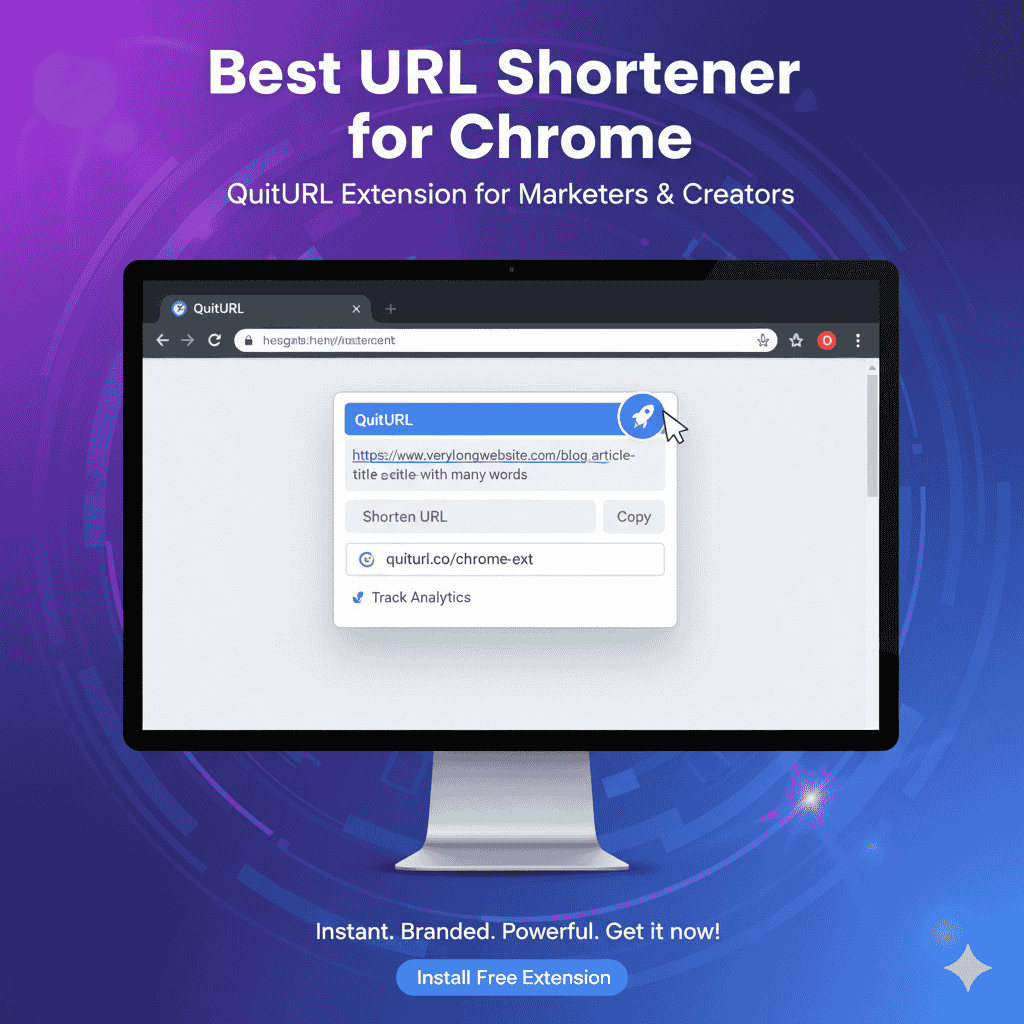
Once installed, QuitURL allows you to:
- Highlight any URL in Chrome.
- Click the QuitURL icon.
- Copy the shortened link instantly—no extra steps.
This streamlines workflow, especially for marketers managing dozens of campaigns simultaneously.
Real-Time Analytics
QuitURL tracks every click, including:
- Geography: Identify which countries or cities drive the most traffic.
- Device type: Desktop vs mobile insights.
- Referrals: Track the effectiveness of each platform or ad.
With this data, marketers can optimize campaigns for maximum ROI.
Feature Deep Dive: QuitURL’s Marketing Superpowers
Branded Links
Use custom domains like:
go.brandname.com/promo
This increases trust and improves click-through rates by up to 30–40% in some campaigns.
QR Codes
Generate dynamic QR codes instantly. Great for:
- Flyers
- Packaging
- Presentations
- Event marketing
Each code is trackable, giving insight into offline traffic.
A/B Testing and Link Rotation
Test which landing page, CTA, or campaign performs best without creating multiple links. QuitURL automatically rotates traffic and provides real-time results.
Pixel Tracking for Retargeting
Integrate Facebook or Google Pixels directly into your short links. Retarget users based on clicks and behavior, increasing conversion rates for paid campaigns.
Link-in-Bio Pages
Create a professional hub for multiple links, perfect for Instagram, TikTok, or LinkedIn profiles. No need for separate third-party tools.
VI. QuitURL vs Competitors: Why It’s the Superior Choice
| Feature | QuitURL | Bitly | TinyURL | Rebrandly |
|---|---|---|---|---|
| Chrome Extension | ✅ One-click | ✅ Limited | ❌ | ✅ Paid |
| Branded Domains | ✅ Full | ✅ Limited | ❌ | ✅ Paid |
| Analytics | ✅ Geo + Device + Source | ✅ Basic | ❌ | ✅ Paid |
| QR Codes | ✅ Dynamic & Trackable | ❌ | ❌ | ✅ Paid |
| A/B Testing | ✅ Built-in | ❌ | ❌ | ✅ Paid |
| Free Plan | ✅ Generous | ✅ Limited | ✅ Basic | ❌ Paid |
| Paid Plan | ✅ Affordable | ❌ | ❌ | ✅ Premium |
Key Takeaway: QuitURL combines branding, analytics, speed, and advanced marketing features in a single Chrome extension—outperforming competitors.
How QuitURL Improves SEO
- 301 Redirects: Preserve link equity.
- Branded Links: Enhance CTR and trust signals.
- Analytics Data: Helps improve landing page relevance and user engagement.
Step-by-Step Guide: Using QuitURL for Chrome
- Install the QuitURL Chrome Extension.
- Sign up for a free account.
- Highlight the URL and click the QuitURL icon.
- Choose a custom slug (optional) for branding.
- Copy the short link instantly.
- Track analytics and optimize campaigns.
Pro Tip: Connect a custom domain for professional branding and higher trust.
Case Study: Sarah’s Transformation
After switching to QuitURL, Sarah:
- Increased CTR by 35% on Instagram campaigns.
- Reduced time spent managing links by 60%.
- Leveraged QR codes for offline campaigns, generating 1,200 new leads.
- Optimized ad spend using real-time analytics and A/B testing.
Her marketing team saved hours daily, and campaign ROI skyrocketed.
Frequently Asked Questions (FAQ)
1. Do short URLs hurt SEO?
No. 301 redirects preserve SEO, and branded links can improve CTR and user engagement.
2. Are all Chrome shorteners free?
Some are free, but many restrict features. QuitURL provides a generous free plan and affordable premium options.
3. Can I use QuitURL with custom domains?
Yes. Branded domains improve trust and CTR.
4. Is it safe to shorten sensitive links?
Yes. QuitURL provides SSL, password protection, and secure cloaking.
5. Can I track clicks in real time?
Absolutely. QuitURL provides detailed analytics, including geo-location, device, and referral source.
QuitURL—The Best URL Shortener for Chrome
QuitURL solves all the problems of long, messy URLs while offering advanced marketing tools:
- Fast, one-click shortening in Chrome
- Custom branded links
- Real-time analytics
- QR code generation
- A/B testing and retargeting
For marketers, creators, and agencies, QuitURL is not just a URL shortener—it’s a complete link management ecosystem.
Start using QuitURL today and transform your long, messy URLs into high-performing, professional, and trackable links.