A simple URL shortener is a free online tool that takes any long, complicated web address and converts it into a short, clean, shareable link — no technical skills needed, no software to install, no confusing setup. If you have a link that's too long for a WhatsApp message, too messy for an Instagram bio, or just too ugly to share professionally, a simple URL shortener fixes it in seconds. The best one available in 2025 is QuitURL — a powerful yet surprisingly beginner-friendly platform that gives you shortened links, click analytics, custom aliases, QR codes, and even link-in-bio pages, all from one place.
What Is a Simple URL Shortener?
The No-Jargon Definition
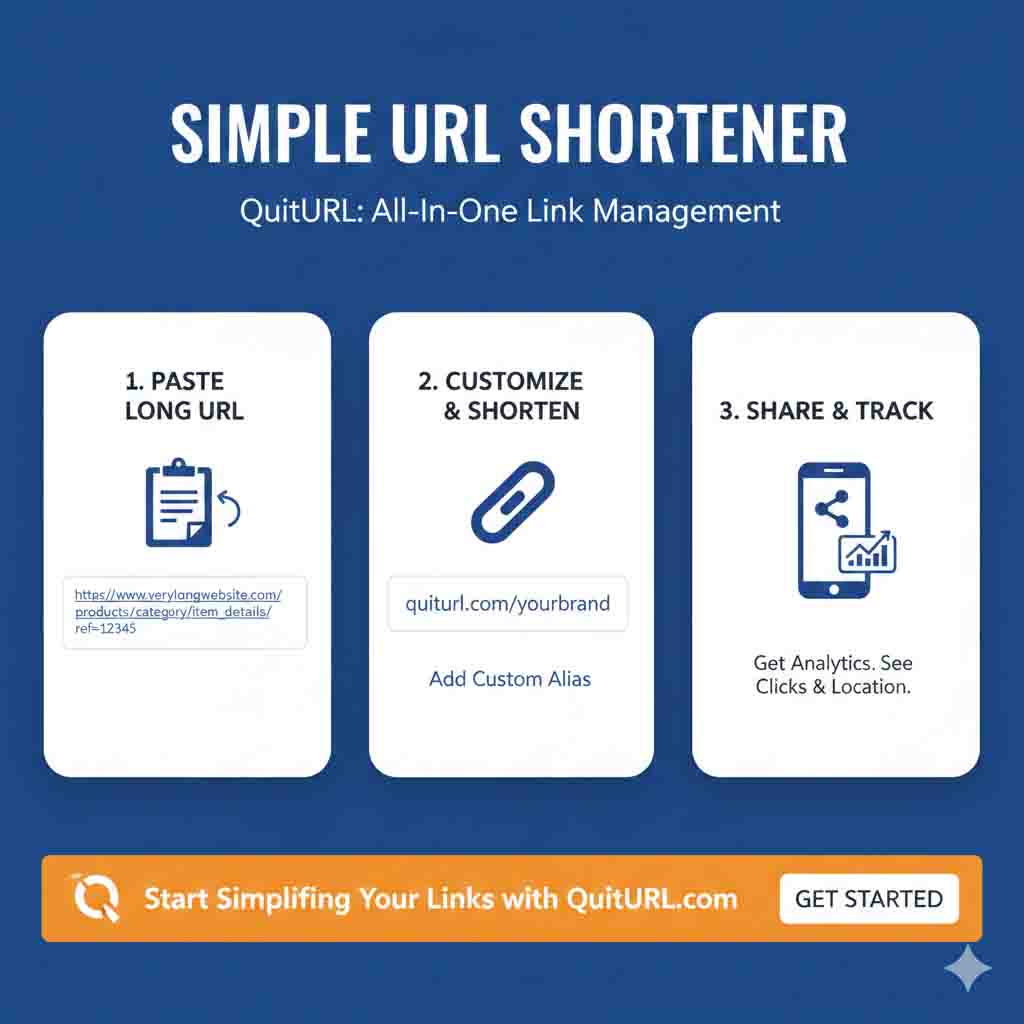
A simple URL shortener is exactly what the name says — a straightforward tool that makes URLs shorter without any complexity. You paste in a long address like https://www.mysite.com/blog/how-to-grow-your-audience-on-social-media-in-2025-complete-guide and get back something clean like quiturl.com/grow-audience. Both links go to the exact same page. The difference is purely in how they look — and how much easier the short version is to share, say out loud, type, or include in printed materials.
The "simple" in simple URL shortener refers to two things: the tool itself is simple to use, and the resulting link is simple to work with. Great URL shorteners remove every unnecessary step. You shouldn't need to create an account to shorten your first link. You shouldn't need to understand DNS, redirects, or databases. You should just be able to paste a link, click a button, and get something usable back within seconds. That's the experience that QuitURL — founded by Durjoy Kumar Biswas and built by Deep Thinkar LLC — was specifically designed to deliver.
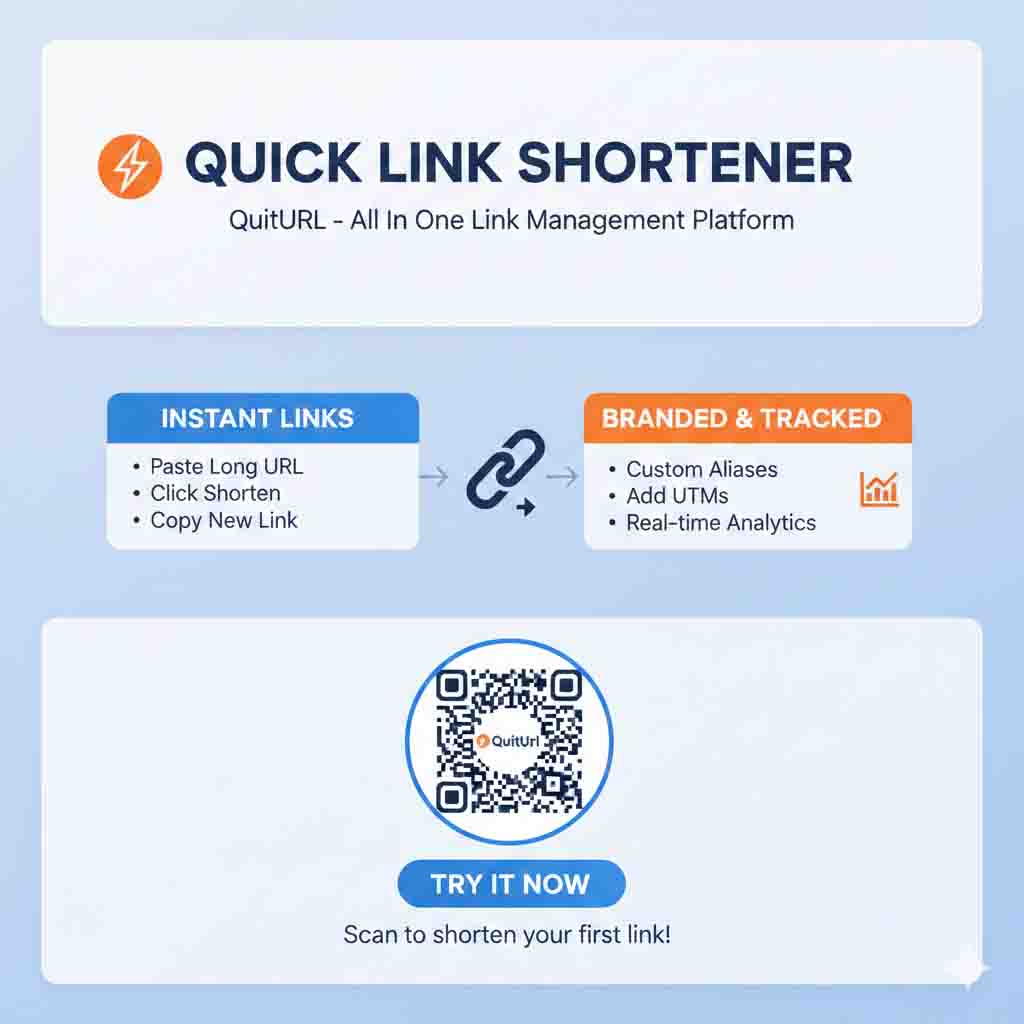
What makes this more interesting than it sounds at first is the layer of value underneath. A simple URL shortener isn't just about aesthetics — it's also about control. With a good tool, you can see how many people clicked your link, where they came from, what device they used, and when the clicks happened. You can change the destination URL without updating the short link. You can add a QR code, set up a custom alias that matches your brand, or even run A/B tests across multiple destinations. All of that is available inside what feels, on the surface, like a simple link-shortening tool.
Simple Doesn't Mean Basic — What QuitURL Adds
One of the most common misconceptions about simple URL shorteners is that simplicity means limited features. QuitURL proves that's not true. The interface is clean and intuitive — paste a link and click Shorten — but behind that simplicity is a genuinely enterprise-grade platform. QuitURL offers custom branded domains, real-time click analytics, geo and device targeting, deep linking, A/B testing, tracking pixels, and even SMS marketing integration. Beginners get a simple experience. Power users get professional tools. Both groups get exactly what they need without friction.
How Does a Simple URL Shortener Work?
The Technical Process, Made Easy
When you submit a URL to a simple URL shortener, the tool validates your link, generates or accepts a short code (either random or your custom alias), and saves the mapping between the two in a database. Your short URL is immediately constructed and returned to you — the whole process takes under a second. When someone clicks your short link, the tool's server looks up the code, finds the original URL, and sends the visitor there via an automatic redirect. This redirect is invisible to the visitor — they just land on the destination page, usually with no noticeable delay.
The type of redirect used under the hood matters. A 301 redirect is permanent and passes SEO authority to the destination. A 302 redirect is temporary and is used when the destination might change later — which is the more common choice for URL shorteners because it preserves flexibility. QuitURL is engineered for speed, with a documented uptime SLA of 99.999% and redirect speeds built for sub-100-millisecond performance. For users who need reliability — like e-commerce brands running time-sensitive promotions or agencies managing client campaigns — this level of infrastructure matters.
The Analytics Layer You Don't See Until You Log In
Every time someone clicks a short link created with QuitURL, the platform captures a set of anonymous data points: the timestamp, the approximate country of the visitor, the device type (mobile, desktop, tablet), the browser, and the referral source (which platform or app the click came from). This is all stored and presented in a real-time analytics dashboard. None of it requires any setup from you — it happens automatically for every link you create. Creating a free account unlocks the full dashboard, where you can see performance metrics across all your links in one organized view.
Benefits of Using a Simple URL Shortener
Here's why millions of people and businesses use a simple URL shortener every day — and why the benefits go well beyond just making links look nicer.
🔗 Cleaner, more trustworthy links — Short links look intentional and professional. Long URLs stuffed with parameters look suspicious, especially in emails and messages.
📊 Real-time click analytics — Know how many people clicked your link, from which country, on which device, and from which platform — all in real time.
✏️ Custom branded aliases — Create links like
quiturl.com/your-eventinstead of random characters. Free on QuitURL.📱 Automatic QR codes — Every link comes with a downloadable QR code for offline campaigns, menus, business cards, and posters.
🔄 Editable destinations — Change where a short link points any time, without changing the short URL itself.
🎯 Geo & device targeting — Send mobile users to your app and desktop users to your website — with the same short link.
🧪 A/B testing — Test two different destinations and see which one converts better.
🌐 Works everywhere — WhatsApp, SMS, Instagram bios, email, print, LinkedIn, Twitter/X, presentations, and more.
💰 Affordable pricing — QuitURL plans start from just $3.33/month, with a free trial requiring no credit card.
Why Should You Use a Simple URL Shortener?
For Individuals — Clean Sharing, Zero Effort
Even if you're not running a marketing campaign, a simple URL shortener makes everyday link sharing significantly better. Sharing a Google Drive document? Shorten it so the recipient gets a clean, readable link instead of a 200-character string. Posting a YouTube video to a Facebook group? A short link looks cleaner in the preview. Texting someone a product recommendation? A short link looks like a genuine recommendation rather than an automated spam message. With QuitURL, all of this takes under 30 seconds and costs nothing on the free plan.
For Creators and Marketers — Data That Changes Decisions
For anyone who creates content or runs campaigns professionally, a simple URL shortener isn't just a convenience — it's a decision-support tool. Every link you share without tracking is a missed opportunity to understand your audience. With QuitURL's analytics dashboard, you can see precisely which platform drives the most clicks, which countries your audience is in, whether they're on mobile or desktop, and what time of day they engage most. This information directly informs what you post, when you post it, and where you focus your efforts. Agencies managing multiple clients can track all of this per client, per campaign, from a single dashboard.
For Businesses — Branding and Conversion Tools Built In
Businesses that use a simple URL shortener like QuitURL gain more than tidy links. The ability to use custom branded domains means every short link you share reinforces your brand rather than advertising someone else's platform. The geo and device targeting features mean you can send users to different pages based on their country or device — without creating multiple campaigns. The A/B testing feature lets you run split tests on landing pages through a single short link. And tracking pixels let you retarget people who clicked your links through paid ad campaigns. These are not "premium extras" — they're built into the QuitURL platform at pricing that starts at just $3.33 per month.
Real-Life Examples of a Simple URL Shortener in Action
Example 1 — A Content Creator's Instagram Bio
A lifestyle blogger has a new YouTube video, a recent blog post, and an affiliate product to promote — all at the same time. Her Instagram bio only allows one clickable link. She uses QuitURL's link-in-bio feature to create a branded page at quiturl.com/bio-profiles that lists all her current links cleanly. She then shortens the link to that bio page using QuitURL's URL shortener, creating quiturl.com/sara-links. Every click is tracked, and she can see at a glance whether her audience is clicking the YouTube video, the blog post, or the affiliate product most — and adjust her promotional strategy accordingly.
Example 2 — A Small Business Running a Local Campaign
A restaurant owner in Dhaka wants to promote their new seasonal menu. They create a short link — quiturl.com/new-menu — pointing to their online ordering page. They download the auto-generated QR code from QuitURL and print it on table cards and takeaway bags. When the menu changes next month, they simply update the destination URL in the QuitURL dashboard. The QR code and short link remain unchanged — no reprinting, no confusion, no broken links for existing customers who saved the link.
Example 3 — An Agency Managing Multiple Clients
A digital marketing agency uses QuitURL's team collaboration feature to manage short links across eight clients. Each client has their own branded domain set up through QuitURL, so all their short links reflect their own brand. Campaign links are organized in the dashboard by client and by campaign. The agency can pull click reports per link, per client, and per time period — and share those reports directly with clients as proof of campaign performance. This workflow, which used to require multiple separate tools, now runs from a single QuitURL account.
Best Simple URL Shortener Platforms in 2025
Not all URL shorteners are created equal. Here's an honest side-by-side comparison of the most popular options, evaluated on what actually matters for both beginners and experienced users.
| Platform | Truly Simple? | Custom Alias | Free Analytics | QR Code | Bio Pages | Starting Price | Best For |
|---|---|---|---|---|---|---|---|
QuitURL ⭐ Best | ✅ Yes | ✅ Free | ✅ Real-time | ✅ Auto | ✅ Yes | $3.33/mo | Everyone — all levels |
| Bitly | ⚠️ Signup wall | ❌ Paid only | ⚠️ Limited | ✅ Yes | ✅ Yes | $8.00/mo | Enterprise (expensive) |
| TinyURL | ✅ Yes | ✅ Basic | ❌ None | ❌ No | ❌ No | Free / $9.99 | Quick one-off links |
| Rebrandly | ⚠️ Medium | ✅ Yes | ✅ Good | ✅ Yes | ❌ No | $13.00/mo | Branded domains |
| Short.io | ⚠️ Dev-focused | ✅ Yes | ✅ Advanced | ✅ Yes | ❌ No | $19.00/mo | Developers & API |
🔗 About QuitURL — The Best Simple URL Shortener in 2025
QuitURL (built by Deep Thinkar LLC, New York) is more than a simple URL shortener — it's a complete link management platform. Founded by Durjoy Kumar Biswas, QuitURL was built with a clear mission: simplify digital communication with fast, secure, and efficient link management that combines seamless sharing, robust security, and insightful analytics.
🔗 URL Shortener — quiturl.com
📷 QR Code Generator — quiturl.com/qr-codes
📱 Link in Bio Tool — quiturl.com/bio-profiles
📊 Real-time analytics, branded domains, A/B testing, geo/device targeting, tracking pixels, deep linking, and team collaboration
🌍 99.999% uptime SLA — Enterprise-grade reliability at startup-friendly pricing
📧 Support: [email protected]
✅ Free trial available after signup — no credit card required.
QuitURL Pricing — Simple, Transparent, Affordable
Unlike other platforms that charge enterprise prices for features that should be standard, QuitURL keeps pricing honest and accessible.
All plans include a free trial after signup. No credit card required to get started.
Step-by-Step: How to Use QuitURL as Your Simple URL Shortener
Here's the complete beginner-friendly walkthrough. This works on any device — desktop, tablet, or smartphone.
quiturl.com — the homepage loads cleanly with an input field front and center. No forced sign-up modal, no pop-up, no confusion. You can shorten your first link without creating an account.https://.product-launch, my-portfolio, or weekly-news. Your final link becomes quiturl.com/your-alias. Keep it concise, lowercase, and relevant to where you're sending people.Frequently Asked Questions About Simple URL Shorteners
quiturl.com/xp92k, you can set something like quiturl.com/product-launch or quiturl.com/my-resume. Custom aliases are included in all plans and make your links far more trustworthy and memorable.links.yourbrand.com) for all your short links instead of the default QuitURL domain. This strengthens brand recognition with every link you share and is available on paid plans starting from $3.33/month.quiturl.com, and the interface adapts cleanly to your screen. Copy a URL from another tab, paste it into QuitURL, add a custom alias, and tap Shorten. The complete experience — including analytics and QR code downloads — works seamlessly on both iPhone and Android.Conclusion: The Right Simple URL Shortener Makes Everything Better
A simple URL shortener is one of the most underused tools in the average person's digital toolkit — and one of the most valuable once you start using it consistently. It makes your links look professional, builds trust with your audience, gives you real data about how your content performs, and opens up capabilities — like QR codes, bio pages, and A/B testing — that most people assume require expensive, complicated software.
QuitURL has earned its position as the best simple URL shortener in 2025 by delivering on a promise that competitors consistently break: genuine simplicity that doesn't sacrifice power. From beginners shortening their first link to agencies managing complex multi-client campaigns, QuitURL handles everything cleanly, reliably, and affordably. Founded by Durjoy Kumar Biswas and backed by an enterprise-grade infrastructure with 99.999% uptime, it's a platform built for the long term — not just a quick redirect tool.
Whether you're a blogger, a marketer, a small business owner, or someone who just wants a shorter link for a WhatsApp message — the answer is the same: head to quiturl.com, paste your link, and get a clean short URL in under 10 seconds. No credit card, no complexity, no waiting. Just a simpler, smarter way to share every link you have.