Why Your LinkedIn Links Need a Shortener
LinkedIn is the premier platform for professionals, entrepreneurs, and businesses to showcase their expertise and connect with clients or collaborators. But long, messy URLs can ruin the clean, professional look of your posts, articles, and even profile links. A URL like:
https://www.yourbusiness.com/campaign/offer?id=231&ref=linkedin&utm_source=linkedin_post
…is clunky, hard to read, and less likely to be clicked.
Short links solve this problem. On LinkedIn, short, branded URLs not only look polished but also increase trust and engagement. They are especially useful for posts, featured sections, or sharing company content where every click counts.
However, not all URL shorteners are created equal. Free tools may simply shrink links, but they often lack analytics, branding control, and professional reliability. That’s where QuitURL.com comes in — an all-in-one platform designed for marketers, freelancers, and LinkedIn professionals who want to brand, track, and optimize their links effortlessly.
With QuitURL, you can:
- Create branded short links for higher credibility
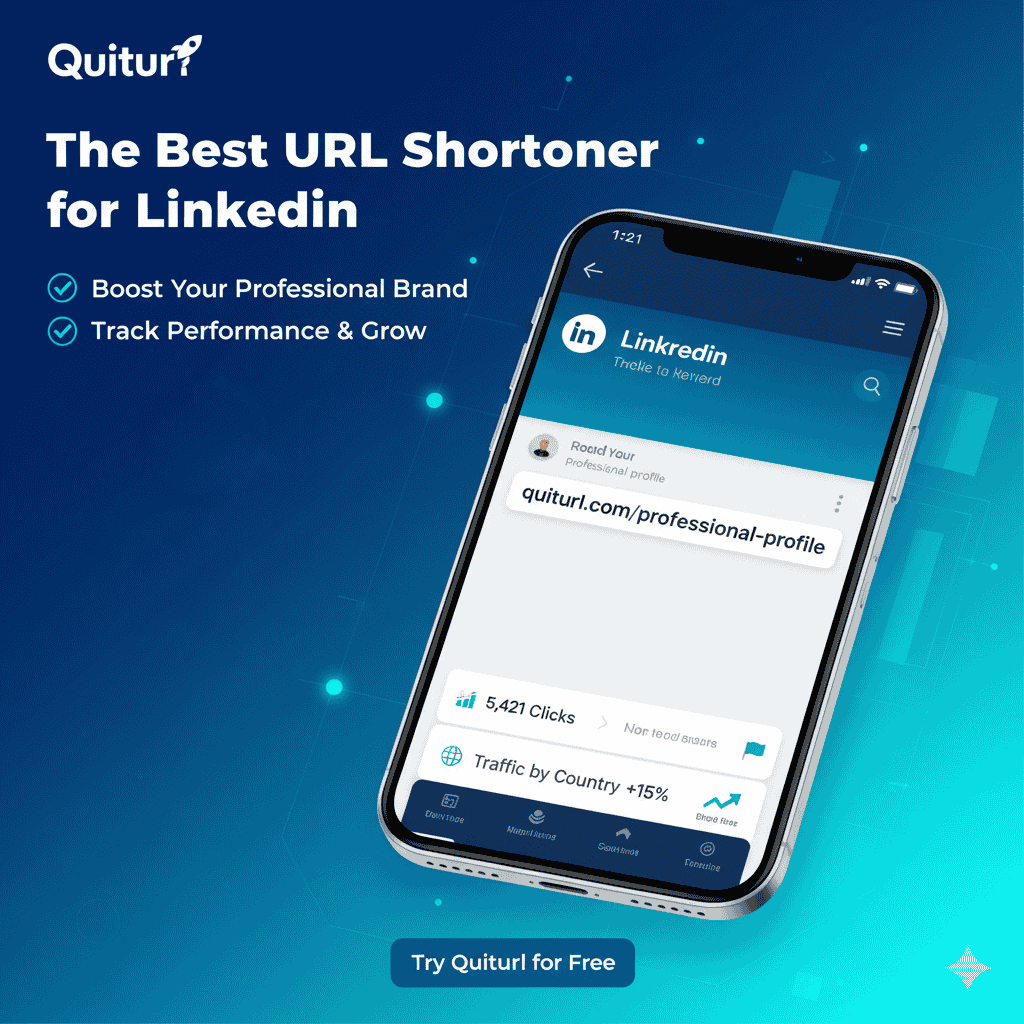
- Track clicks in real-time with advanced analytics
- Optimize campaigns via A/B testing, geo-targeting, and dynamic editing
- Manage your team from one secure dashboard
If LinkedIn is where you grow your professional presence, QuitURL is your ultimate link management solution.
Essential Features: What the Best LinkedIn URL Shortener Must Have
To pick the right shortener for LinkedIn, focus on features that maximize professionalism, trust, and performance.
1. Custom Branded Domains for Maximum Trust
A branded domain makes your links look authoritative. Instead of bit.ly/123abc, you can use:
go.yourbrand.com/offer
Branded links enhance click-through rates (CTR) and give a polished, consistent identity across all LinkedIn posts. QuitURL makes it simple to set up custom domains, letting you maintain professional consistency across campaigns.
2. Advanced Click Analytics
LinkedIn professionals need actionable insights. A good shortener should track:
- Clicks by country and city
- Devices and browsers used
- Referring sources (post, article, or profile)
- Time and date of engagement
QuitURL’s real-time analytics dashboard provides all this data, helping you measure and optimize every LinkedIn post.
3. Dynamic Link Editing
Sometimes you share a link on LinkedIn that later needs updating. With dynamic link editing, you can change the destination URL without breaking the original short link. QuitURL lets you update links anytime, keeping your content accurate and up-to-date.
4. Team Collaboration & API Integration
Marketing agencies, startups, and large teams benefit from multi-user access. QuitURL supports team management, allowing multiple users to manage, track, and update links from a single account. Its API also enables developers to automate link creation and tracking.
5. Security and Reliability
Professional links must be secure. QuitURL ensures:
- HTTPS encryption for safe browsing
- Spam and malware detection
- 99.9% uptime, even for high-traffic LinkedIn campaigns
Top 5 Best URL Shorteners for LinkedIn
Here’s a breakdown of the top URL shorteners for LinkedIn use in 2025:
| Rank | URL Shortener | Branded Domains | Analytics | A/B Testing | QR Codes | Price (Starting) | Best For |
|---|---|---|---|---|---|---|---|
| 🥇 1 | QuitURL.com | ✅ Yes | ✅ Advanced | ✅ Yes | ✅ Yes | $2.33/mo | Professionals, agencies |
| 2 | Bitly | ✅ Yes | ✅ Basic | ❌ | ✅ Yes | $8/mo | Global users |
| 3 | Rebrandly | ✅ Yes | ✅ Good | ❌ | ✅ Yes | $12/mo | Branding-focused marketers |
| 4 | TinyURL | ❌ No | ⚠️ Basic | ❌ | ✅ Yes | Free | Simple links |
| 5 | Cutt.ly | ✅ Yes | ✅ Moderate | ❌ | ✅ Yes | $5/mo | Freelancers, small teams |
Why QuitURL tops the list: affordability, advanced analytics, branded domains, team management, and a full suite of professional features make it ideal for LinkedIn marketers.
Why QuitURL Is the Best LinkedIn URL Shortener
1. Professional Branding & Custom Domains
QuitURL allows complete branding control, giving you links like link.quiturl.com/offer. This builds credibility and strengthens your professional image on LinkedIn.
2. Real-Time Analytics
Monitor clicks from posts, featured sections, or articles. Understand your audience’s location, devices, and sources, so you can optimize content and campaigns.
3. Advanced Targeting & Redirection
Redirect visitors based on country, device, or language. For example:
- LinkedIn visitors from Bangladesh →
bd.yourbrand.com - Visitors from USA →
us.yourbrand.com
This ensures regional relevance and improves conversions.
4. A/B Testing & Rotator Links
Test multiple landing pages or CTAs with QuitURL’s built-in A/B testing. Optimize your LinkedIn posts to find the version that drives the highest engagement.
5. QR Code Integration
Generate QR codes for offline networking, business cards, or presentations. QR codes link directly to your branded short URL for seamless access.
6. Team Collaboration
Add team members to manage links, campaigns, and analytics collectively. Perfect for agencies and growing businesses.
How to Shorten Your First LinkedIn Link with QuitURL
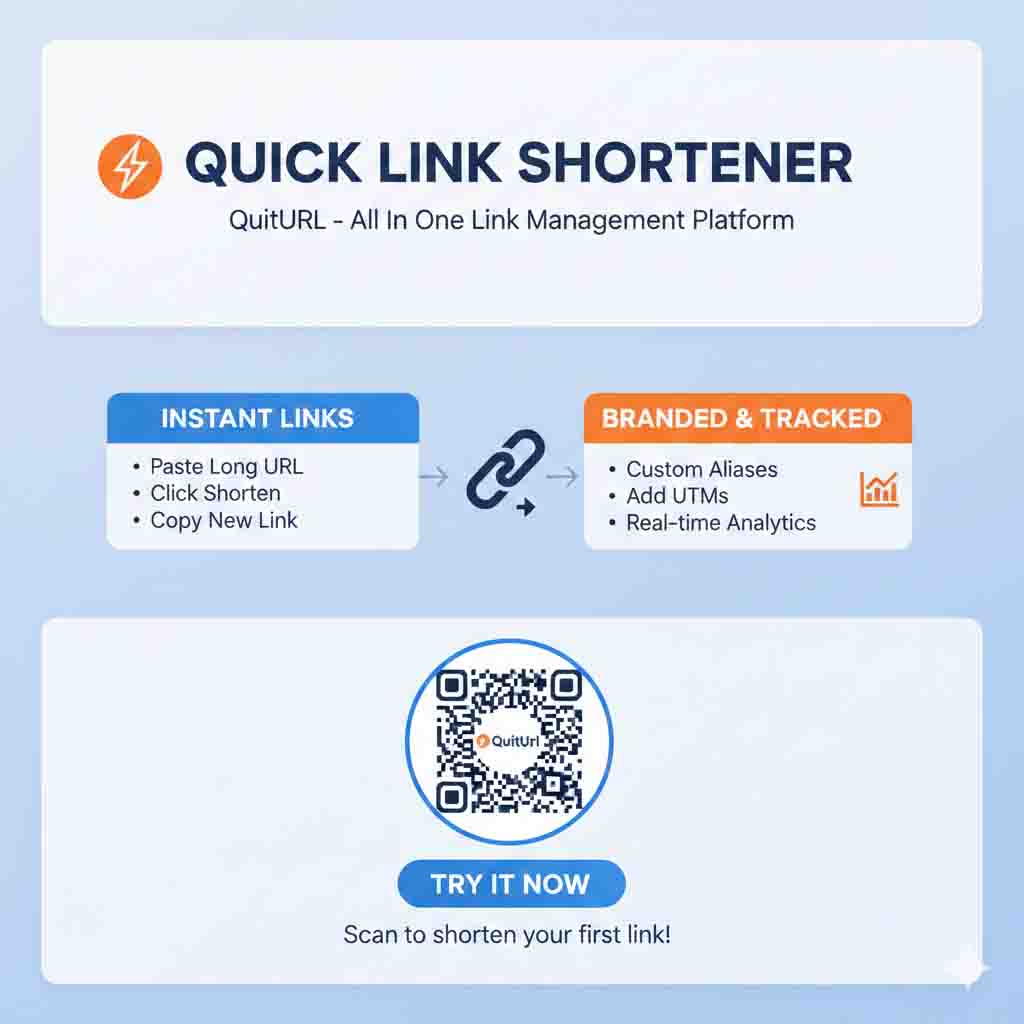
- Sign Up: Visit QuitURL.com and create a free account.
- Create Your Short Link: Paste your long LinkedIn URL and shorten it.
- Customize the Link: Add a branded domain or custom alias.
- Track Analytics: Monitor clicks, sources, and devices in real-time.
- Share on LinkedIn: Use in posts, articles, or profile featured sections.
- Optional: Generate QR codes for offline networking or promotions.
Pro Tip: Use branded short links in your LinkedIn profile summary, featured posts, and company page updates for consistent professional branding.
Benefits of Using a URL Shortener on LinkedIn
- Boost CTR: Clean, branded links encourage clicks.
- Professional Appearance: Remove messy, long URLs from your posts.
- Data-Driven Insights: Understand your LinkedIn audience.
- Campaign Optimization: Test CTAs and landing pages with A/B testing.
- Team Collaboration: Centralized dashboard for multi-user management.
QuitURL vs Competitors (Feature Comparison Table)
| Feature | QuitURL | Bitly | Rebrandly | TinyURL | Cutt.ly |
|---|---|---|---|---|---|
| Custom Domain | ✅ | ✅ | ✅ | ❌ | ✅ |
| Advanced Analytics | ✅ | ✅ | ✅ | ⚠️ | ✅ |
| Team Members | ✅ | ✅ | ✅ | ❌ | ✅ |
| A/B Testing | ✅ | ❌ | ❌ | ❌ | ❌ |
| QR Codes | ✅ | ✅ | ✅ | ✅ | ✅ |
| Retargeting Pixels | ✅ | ✅ | ✅ | ❌ | ✅ |
| Free Plan | ✅ | ✅ | ✅ | ✅ | ✅ |
Verdict: QuitURL leads with the most comprehensive professional features at the lowest cost.
FAQs: Best URL Shortener for LinkedIn
Q1: Can I use QuitURL links in LinkedIn posts?
A: Yes, QuitURL links are fully LinkedIn-friendly.
Q2: Can I track LinkedIn clicks with QuitURL?
A: Yes — see location, device, and referrer data in real-time.
Q3: Is there a free trial?
A: Yes, QuitURL offers a 7-day free trial of premium features.
Q4: Can I add team members?
A: Absolutely. QuitURL supports multiple users in one account.
Final Verdict: The Best LinkedIn URL Shortener for 2025
For professionals, agencies, and businesses on LinkedIn, QuitURL offers the perfect combination of branding, trust, and analytics. Its affordability, reliability, and advanced features make it the #1 choice for anyone serious about LinkedIn marketing.
Ready to elevate your LinkedIn strategy?
👉 Start Your 7-Day Free Trial on QuitURL
QuitURL – Short Links, Deeper Insights.