The Struggle is Real: A Creator’s Story of Long, Ugly, and Untrackable Links
Meet Mia, a passionate YouTube creator who recently uploaded her latest video: “10 Productivity Hacks for Creators”. Excitedly, she copies the link to share across Instagram, Twitter, her blog, and email newsletter:
https://www.youtube.com/watch?v=K9xH2aFh2L0&ab_channel=MiaCreator&utm_source=instagram&utm_medium=story
Immediately, she notices the problems:
- The URL is long and messy, unfit for Instagram’s bio space or captions.
- Subscribers may hesitate to click, thinking the link is spammy or unsafe.
- Tracking performance is nearly impossible across multiple platforms.
Mia tries generic shorteners, but she soon realizes:
- Free tools like TinyURL or Bitly limit customization.
- Some shorteners don’t track clicks effectively, leaving her blind to real performance.
- Switching between multiple tools wastes time and energy.
Then she discovers QuitURL, a platform specifically designed for creators, marketers, and affiliates. Instantly, her workflow transforms:
- She shortens her YouTube links with a single click.
- Custom branded domains make her links trustworthy and memorable.
- Real-time analytics provide insights on who clicks, from where, and using what device.
- She can generate dynamic QR codes for offline marketing.
- Advanced features like A/B testing and link rotation help optimize engagement.
Suddenly, sharing links is professional, measurable, and profitable. Her audience clicks more often, engagement rises, and her brand looks credible everywhere.
This story isn’t unique—creators worldwide struggle with long, unbranded links that hurt performance. That’s why using the best URL shortener for YouTube is no longer optional; it’s essential for professional growth.
Why You Need a URL Shortener for YouTube
Shortening URLs isn’t just about aesthetics—it has tangible benefits for creators, marketers, and brands alike.
Boost Click-Through Rates (CTR)
Psychology matters. Long, confusing URLs often look spammy or untrustworthy. Short, branded links are easier to read and more likely to get clicked. For YouTube creators, higher CTRs mean:
- More views and watch time.
- Increased engagement on videos.
- Higher chances of video promotion and algorithmic recommendations.
With QuitURL, you can create links like:
yourbrand.link/10-productivity-hacks
…instead of the long, messy YouTube URL, which builds credibility and trust instantly.
Space Optimization for Limited Character Platforms
Instagram bios, Twitter posts, and even YouTube comments have character limits. Short URLs allow creators to:
- Fit links in tight spaces.
- Keep captions readable and visually appealing.
- Combine links with persuasive calls-to-action (CTAs).
This is critical for creators promoting affiliate products, merch, or other videos.
Tracking and Analytics: Know Your Audience
Generic shorteners often don’t provide in-depth analytics. You need to know:
- Who clicks your links?
- From which country, city, or device?
- Which platform drives the most traffic?
QuitURL’s real-time analytics dashboard provides:
- Click tracking by geography and device.
- Referral source analysis to know which social platform performs best.
- Conversion tracking for affiliate marketing and product links.
This level of detail helps creators optimize campaigns, increase revenue, and refine content strategy.
Branding Matters: Custom Domains for Trust
Unbranded shorteners often look generic and can reduce trust. A custom domain:
- Reinforces your brand identity.
- Increases CTR and subscriber confidence.
- Makes links memorable, which is vital for offline campaigns.
QuitURL makes it easy to set up a custom branded domain and create consistent, professional links.
Key Features of the Best URL Shortener for YouTube
When choosing the best URL shortener for YouTube, creators should look for the following features:
Branded Custom Domains
- Example:
yourbrand.link/video1vs.bit.ly/123XYZ. - Builds trust, increases clicks, and strengthens brand recognition.
Advanced Analytics Dashboard
- Tracks clicks, location, device, and referral sources.
- Helps identify top-performing links and optimize campaigns.
Dynamic QR Code Generation
- Converts links into scan-ready codes for offline campaigns.
- Ideal for live events, packaging, flyers, or merchandise.
A/B Testing and Link Rotation
- Test which landing page or offer drives the highest conversions.
- Rotate links automatically to optimize CTR and revenue.
Security and Compliance
- 301 redirects ensure links are safe and SEO-friendly.
- Password protection and expiration options maintain control and privacy.
QuitURL: The Ultimate YouTube Link Management Platform
All-in-One Solution
Unlike generic shorteners, QuitURL combines:
- URL shortening.
- Custom branded domains.
- Analytics and tracking.
- QR codes and Link-in-Bio pages.
This saves time and provides a comprehensive link management ecosyste
Advanced Tracking and Retargeting
- Geo-targeting: Direct US viewers to one page, UK viewers to another.
- Device targeting: Send mobile users to app store, desktop users to landing page.
- Pixel integration: Track conversions with Facebook and Google Ads pixels.
Seamless Link Rotation and A/B Testing
- Test different landing pages or offers automatically.
- Maximize engagement without manually updating links.
Link-in-Bio Page Builder
- Consolidate all your YouTube links, merch, affiliate offers, and socials on one clean landing page.
- Great for Instagram, TikTok, or email signatures.
QuitURL vs. Competitors: A Comparative Overview
| Feature | QuitURL | Bitly | TinyURL | Rebrandly |
|---|---|---|---|---|
| Custom Branded Domain | ✅ Yes | ✅ Paid | ❌ | ✅ Paid |
| Analytics | ✅ Real-Time & Detailed | ✅ Limited | ❌ | ✅ Limited |
| QR Code Generation | ✅ Dynamic | ❌ | ✅ Static | ❌ |
| A/B Testing | ✅ Yes | ❌ | ❌ | ❌ |
| Link-in-Bio Pages | ✅ Yes | ❌ | ❌ | ❌ |
| Free Plan | ✅ Generous | ✅ Limited | ✅ Limited | ✅ Limited |
| Security & Compliance | ✅ 301 Redirects, Passwords | ✅ | ✅ | ✅ |
QuitURL clearly leads for YouTube creators, offering features others charge for or don’t provide at all.
Step-by-Step: Setting Up QuitURL for Your YouTube Channel
Quick Start
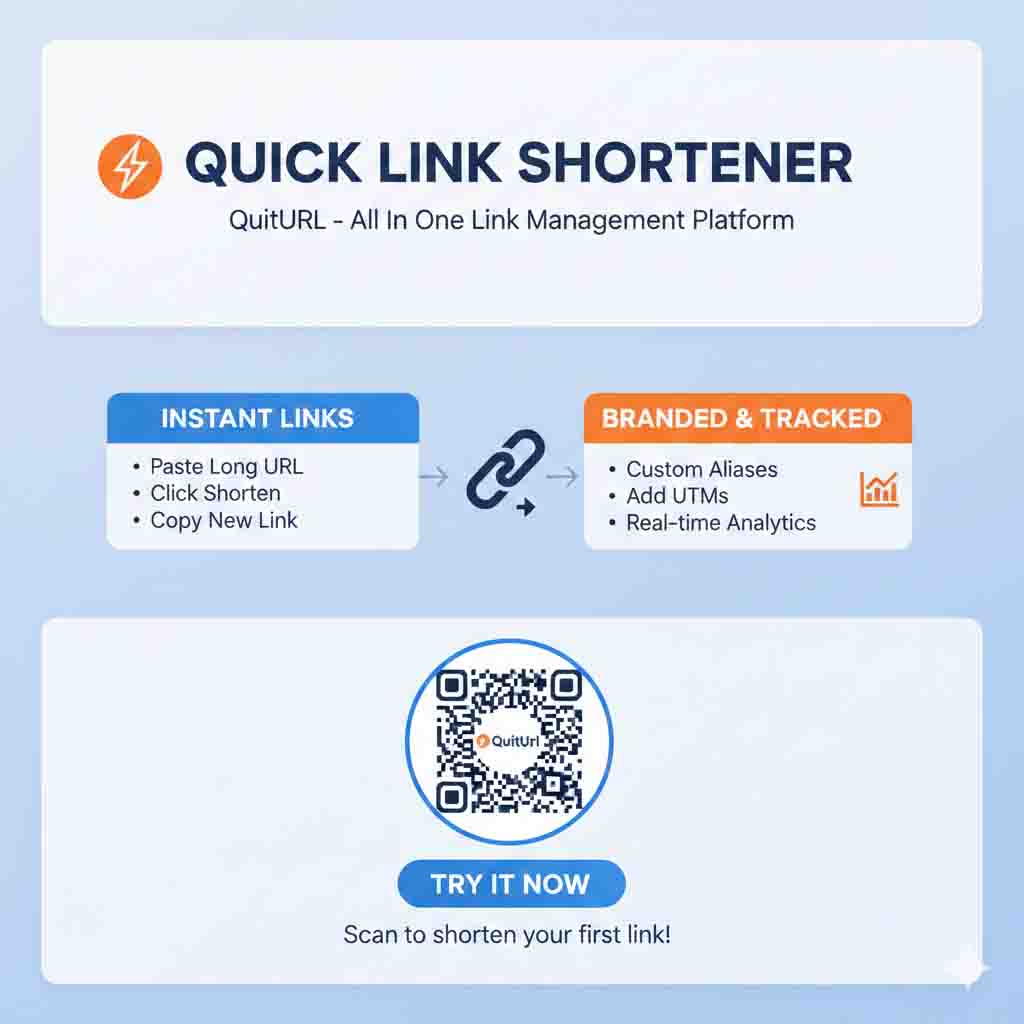
- Sign Up: Create your QuitURL account.
- Connect Custom Domain: Example:
yourbrand.link. - Shorten Links: Copy YouTube URLs and shorten with one click.
- Share & Track: Post on social media, newsletters, or blogs.
Advanced Optimization
- Add UTM parameters for deeper tracking.
- Use geo-targeting for region-specific promotions.
- Implement A/B testing for affiliate links or product campaigns.
Integrating QR Codes
- Generate custom QR codes for YouTube videos or campaigns.
- Add to business cards, merchandise, flyers, or live events.
Why SEO-Friendly URL Shortening Matters
- QuitURL uses 301 redirects, ensuring SEO value is preserved.
- Branded short links improve CTR, indirectly helping content rank better.
- Clean, readable links increase shareability, expanding reach and visibility.
Speed and Reliability: Critical for Retention
- Slow redirects frustrate viewers and decrease CTR.
- QuitURL maintains lightning-fast redirects globally, ensuring a seamless user experience.
Security Features for Professional Creators
- Protect sensitive affiliate links with passwords and expiration dates.
- Reduce the risk of link theft or malicious redirects.
QuitURL for Teams and Agencies
- Team Collaboration: Manage multiple YouTube channels or clients.
- Bulk link creation for campaigns.
- Shared analytics dashboard for coordinated marketing efforts.
QuitURL—The Definitive Choice for YouTube Creators
Mia’s story ends with a powerful transformation:
- Her links are now short, branded, and trustworthy.
- She knows exactly who clicked, from where, and on which device.
- She can test different landing pages, optimize campaigns, and grow revenue without juggling multiple tools.
For creators serious about growing their audience and monetizing effectively, QuitURL is the best URL shortener for YouTube. It’s fast, reliable, feature-rich, and tailored for modern content creators.
Frequently Asked Questions (FAQ)
Q1: Does using a URL shortener hurt YouTube SEO?
A: No. QuitURL uses 301 redirects, passing link authority to the original video.
Q2: Can I track YouTube links shared on social media?
A: Yes. QuitURL tracks every click with geolocation, device type, and referral source analytics.
Q3: Can I use my own branded domain?
A: Absolutely. Branded domains increase trust, CTR, and brand recognition.
Q4: Can I A/B test links for different landing pages?
A: Yes. QuitURL supports A/B testing and link rotation, perfect for affiliate campaigns or promotions.
Q5: Is QuitURL suitable for agencies managing multiple creators?
A: Yes. QuitURL provides team management, bulk link creation, and shared dashboards for scalable marketing.