If you've ever tried to share a long, messy link — say, a Google Drive file or an affiliate product page — you already know how ugly and untrustworthy those URLs look. A free URL shortener solves that problem instantly. It takes any long web address and turns it into a clean, compact link that's easy to share, remember, and track. Whether you're a student, a blogger, a marketer, or just someone who sends a lot of links in chats and emails, a URL shortener is one of the simplest tools you can add to your daily workflow. The best part? You don't have to pay anything to get started.
In this guide, you'll learn everything about free URL shorteners — what they are, how they work, the benefits they offer, and which tools are worth using. By the end, you'll know exactly how to start shortening links like a pro.
What Is a Free URL Shortener?
A free URL shortener is an online tool that converts a long website address (URL) into a short, simplified version — usually just 10 to 20 characters long. You paste in your original link, and the tool instantly generates a shorter one that redirects anyone who clicks it to the original destination. The "free" part simply means you can use it without paying a subscription fee or entering credit card details.
For example, imagine you have a link like:https://www.example.com/blog/top-10-tips-for-growing-your-small-business-in-2025
A URL shortener would turn that into something like:https://quiturl.com/biz2025
That shorter version is far cleaner to share in a text message, social media post, or email. It doesn't break across lines, it doesn't scare people off with strange characters, and it looks much more professional. Many free URL shorteners also come with bonus features like click tracking, custom aliases, and QR code generation — all at zero cost.
URL shorteners are widely used across industries. Digital marketers use them to track campaign performance. Influencers use them to share affiliate links. Teachers use them to distribute resources. Even everyday people use them to make sharing links easier in WhatsApp or Instagram bios where space is limited.
How Does a Free URL Shortener Work?
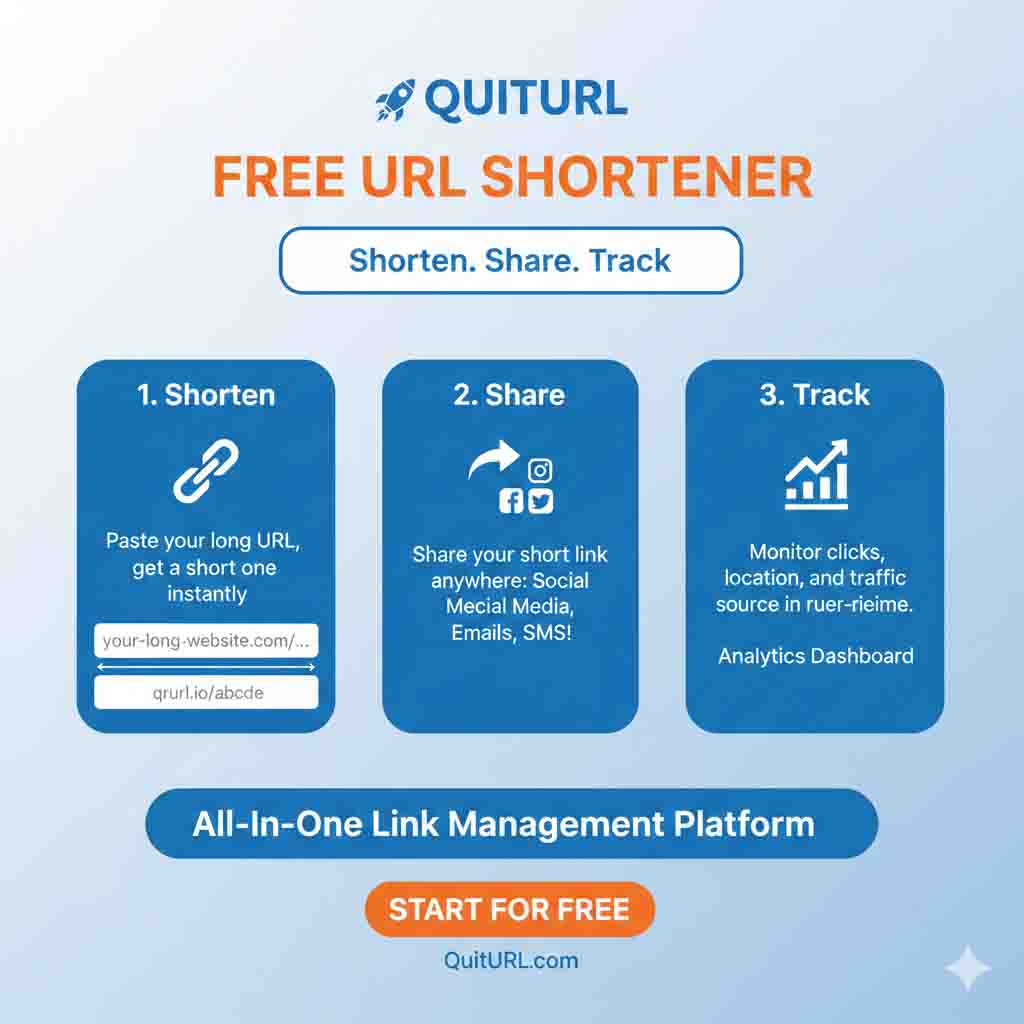
The mechanics behind a URL shortener are surprisingly simple, even if the technology is clever. When you paste a long URL into a shortener tool, the system does three key things: it assigns your URL a unique short code, stores the mapping in a database, and sets up a redirect. Here's a breakdown of the process step by step.
The Technical Process (Simplified)
You submit a long URL — You paste the original link into the tool's input box.
The system generates a short code — A unique ID (like
ab3x9) is assigned to your URL using an algorithm.Both are stored — The tool saves the pair (short code → long URL) in its database.
Short link is created — Your short URL, like
quiturl.com/ab3x9, is ready to share.Someone clicks your link — Their browser sends a request to the shortener's server.
Redirect happens — The server looks up the code, finds the original URL, and sends the visitor there instantly via an HTTP redirect (usually 301 or 302).
The whole redirect process happens in milliseconds — visitors usually don't even notice it. The type of redirect matters too: a 301 redirect is permanent (good for SEO passing), while a 302 redirect is temporary (often used for tracking purposes).
Most free URL shorteners also collect data on each click — like the number of visitors, their approximate location, device type, and the referral source. This is stored on the backend and shown to you in a simple dashboard. It's the same kind of analytics that big businesses use, but available to you at no cost. Tools like QuitURL go further by letting you customize the short code (so it's readable), which makes your links even more trustworthy.
Benefits of Using a Free URL Shortener
There's a reason millions of links are shortened every single day around the world. A free URL shortener offers real, tangible advantages that go well beyond just making a link look nicer. Here are the most important benefits you'll actually notice in everyday use.
✅ Cleaner, shareable links — No more ugly 200-character URLs breaking in emails or SMS messages.
✅ Click tracking & analytics — See how many people clicked your link, when, and from where.
✅ Custom branded links — Tools like QuitURL let you create links like
quiturl.com/your-brandfor better trust.✅ QR code generation — Many free tools auto-generate a QR code for every short link.
✅ Saves space — Essential for platforms like Twitter/X with character limits, or Instagram bios.
✅ Better click-through rates — Clean links look more trustworthy and get clicked more often.
✅ Easy to remember — Short links with custom aliases are memorable and shareable verbally.
✅ Free to start — No credit card, no signup required for most basic tools.
Beyond individual use, free URL shorteners are a powerful tool for small business owners and content creators. Durjoy, a freelance social media manager from Dhaka, started using a free URL shortener six months ago. He was sharing campaign links for his clients across Facebook, email newsletters, and WhatsApp groups. Before using a shortener, he had no idea which channel was driving the most clicks. After switching to QuitURL, he could see exactly which links performed best — and his clients were thrilled with the clear reports.
Why Should You Use a Free URL Shortener?
You might be thinking, "My links work fine — why bother shortening them?" That's a fair question. But once you see how much more control and visibility a URL shortener gives you, it's hard to go back. Here's why using a free URL shortener is a smart move for virtually anyone online.
First, trust and professionalism matter. Long URLs filled with random characters can look spammy or suspicious — especially in an era where phishing is rampant. A clean, short link (especially one with a recognizable branded domain) signals legitimacy. People are simply more likely to click a link that looks intentional and professional. If you're sharing content for work, a short link separates you from the noise.
Second, data is everything. Sharing a link without tracking it is like running a billboard campaign and never knowing if anyone saw it. Free URL shorteners give you access to real analytics — total clicks, unique visitors, geographic data, device breakdown, and referrer information. Even without a paid plan, you can make smarter decisions about where to focus your sharing efforts. This is invaluable for bloggers, marketers, YouTubers, and anyone growing an online presence.
Third, it's genuinely free. The best tools — including QuitURL — offer core features at absolutely no cost. You don't need to be a business or have a budget. You just need a link and an internet connection. The barrier to entry is essentially zero, which makes it one of the best "quick wins" in digital productivity.
Real-Life Examples of Free URL Shorteners in Action
Sometimes the best way to understand a tool is to see how real people actually use it. Here are a few practical, relatable examples of how a free URL shortener makes a real difference.
Example 1 — Durjoy the Blogger
Durjoy runs a personal finance blog. He shares new posts on Facebook, Instagram, and in WhatsApp groups. His article URLs tend to be long and descriptive (which is good for SEO), but terrible for sharing. He uses QuitURL to create short links like quiturl.com/savings-tips. Each link has its own analytics, so he knows exactly which platform drives the most readers. His click rate doubled in the first month after switching.
Example 2 — A Teacher Sharing Resources
Imagine a teacher who wants to share a Google Docs link with 30 students. The original URL is long enough that copying it by hand becomes error-prone. By shortening it to quiturl.com/homework1, the teacher can write it on the board and students can type it in under five seconds. Simple, efficient, and zero tech skills required.
Example 3 — An E-commerce Store Owner
A small business owner running promotions on Instagram stories needs clean links. Instagram doesn't allow clickable links in captions, so the bio link is everything. Using a URL shortener with a custom alias — like quiturl.com/sale50 — is memorable, easy to dictate verbally, and trackable. They can swap out which link it points to at any time without changing what's written in the bio.
Best Free URL Shortener Tools & Platforms
There are quite a few URL shortening tools out there, ranging from the very basic to feature-rich platforms. Here's an honest comparison of the most popular options so you can pick what's right for you.
| Tool | Custom Alias | Analytics | QR Code | Free Plan | Best For |
|---|---|---|---|---|---|
| QuitURL ⭐ Best | ✅ Yes | ✅ Yes | ✅ Yes | ✅ Full | Everyone — beginners to pros |
| Bitly | Limited (free) | ✅ Basic | ✅ Yes | ⚠️ Limited | Businesses with budget |
| TinyURL | ✅ Yes | ❌ No | ❌ No | ✅ Yes | Quick one-time shortening |
| Rebrandly | ✅ Yes | ✅ Yes | ✅ Yes | ⚠️ Very limited | Brand-heavy marketers |
| T2M | ✅ Yes | ✅ Yes | ✅ Yes | ⚠️ Limited | SMBs |
Step-by-Step Guide: How to Shorten a URL for Free
Ready to shorten your first link? Here's exactly how to do it using QuitURL, the best free URL shortener available right now. The whole process takes under 60 seconds.
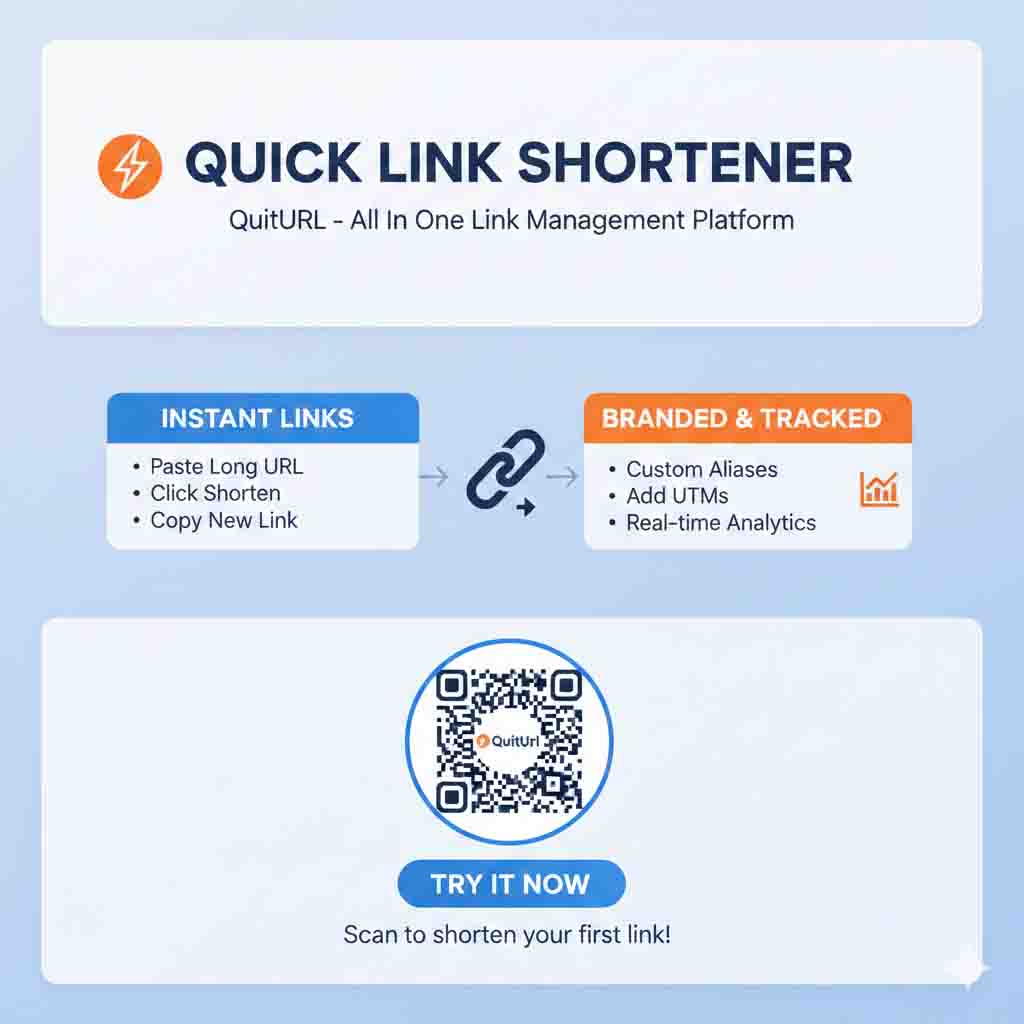
Go to QuitURL — Open your browser and visit quiturl.com. No account required for basic use.
Paste your long URL — In the main input box on the homepage, paste the full URL you want to shorten. Make sure it starts with
https://.Add a custom alias (optional but recommended) — If you want a readable link like
quiturl.com/my-blog, type your desired alias in the custom alias field. Keep it short and relevant.Click "Shorten" — Hit the Shorten button and your new short URL will appear instantly on the screen.
Copy and share — Use the Copy button to grab your short link and paste it wherever you need — social media, email, messages, wherever.
Track your clicks — Log into your QuitURL dashboard (free signup) to see click data, device stats, and referral sources in real time.
Generate a QR code — If you need a QR code for your link (great for printed materials), QuitURL generates one automatically for every shortened URL.
/june-sale or /portfolio) instead of accepting the random auto-generated code. Descriptive aliases build more trust and are easier to remember and share verbally.Frequently Asked Questions (FAQs) About Free URL Shorteners
quiturl.com/my-portfolio. This makes your links more branded, trustworthy, and memorable.Conclusion
A free URL shortener is one of those small tools that quietly makes your digital life much easier. Whether you're a student sharing notes, a blogger promoting content, a small business owner running promotions, or a marketer tracking campaign performance — short links give you cleaner sharing, better analytics, and a more professional image. And since the best tools are genuinely free, there's no reason not to start using one today.
After exploring all the available options, QuitURL stands out as the best free URL shortener for most people. It's simple enough for beginners, powerful enough for professionals, and free enough for everyone. From custom aliases to real-time analytics and built-in QR code generation, QuitURL delivers everything you need in a single, no-cost package.
So the next time you have a long, clunky URL to share, don't just paste it raw. Head over to QuitURL, shorten it in seconds, and share something that actually looks good. Your audience will thank you — and your click rates will prove it.