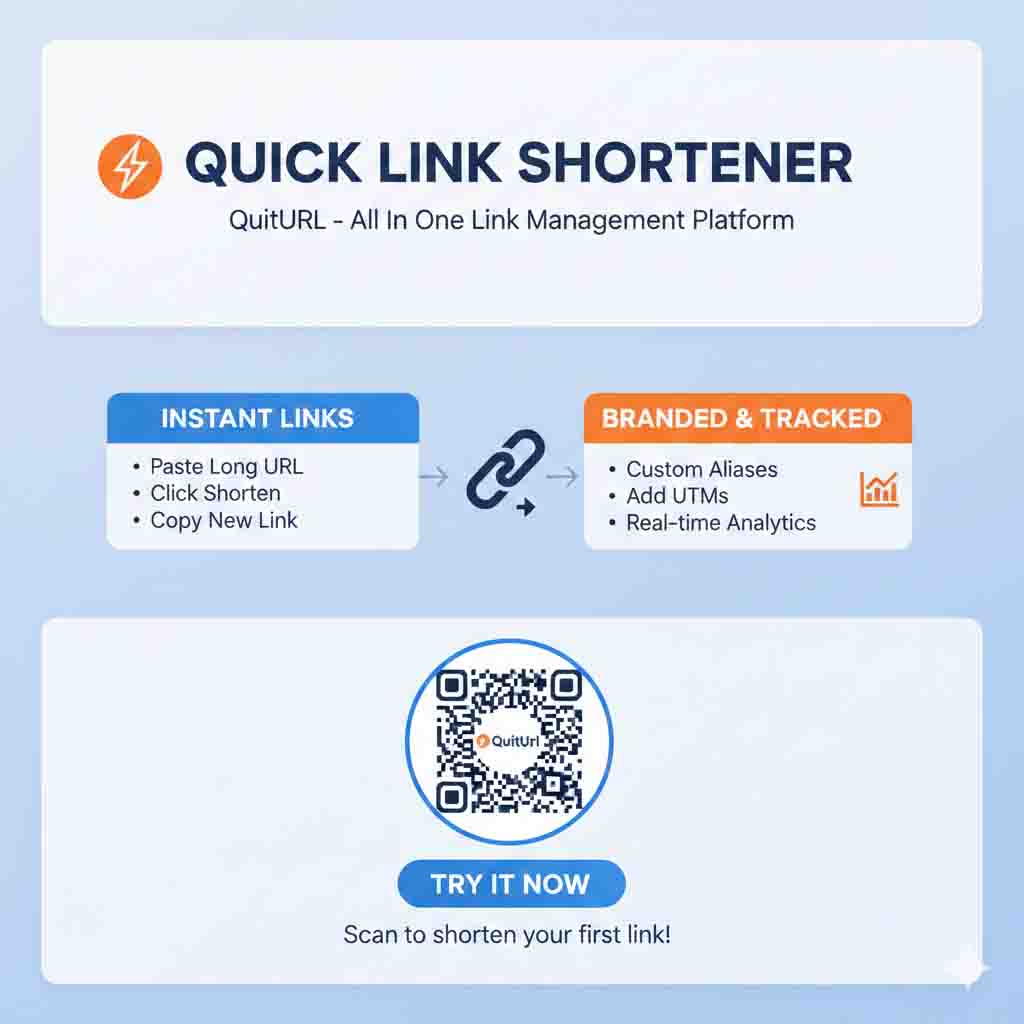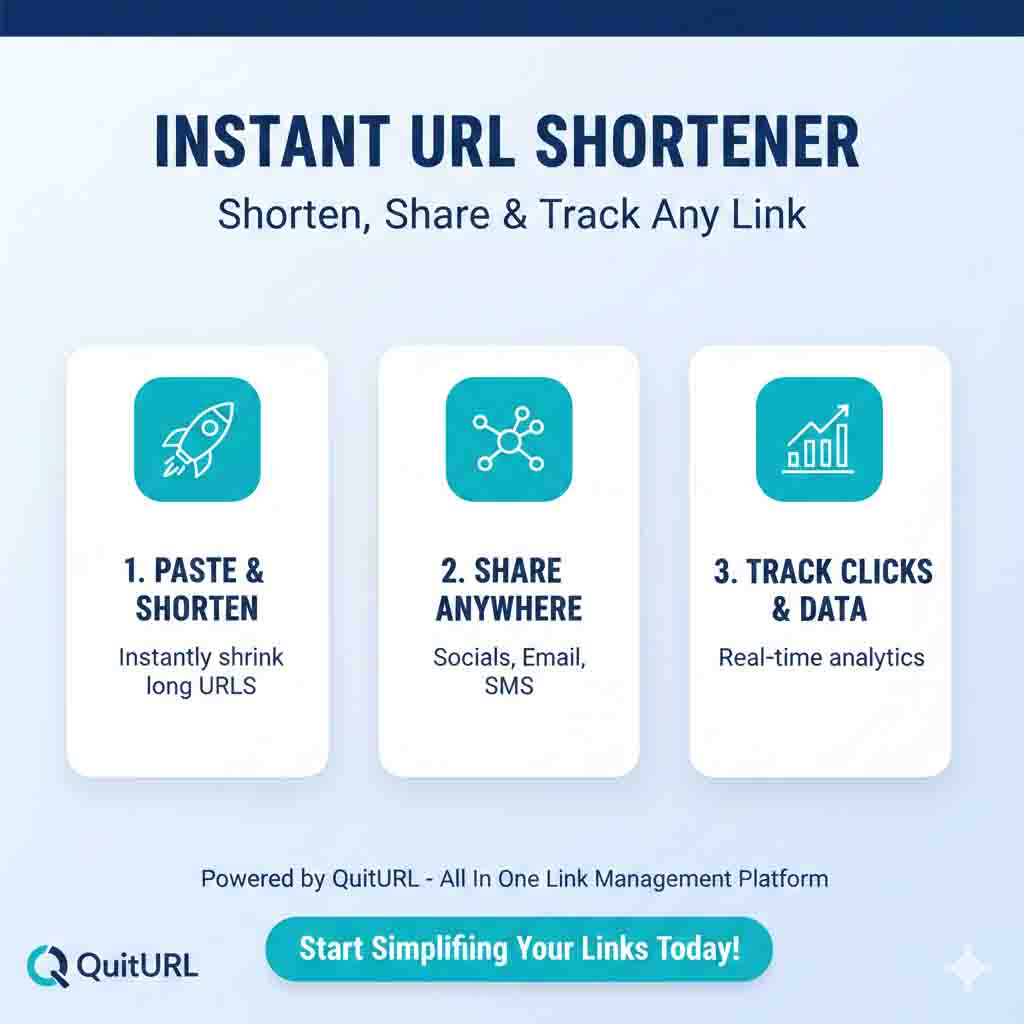
An instant URL shortener is exactly what it sounds like — a free tool that converts any long, complicated web address into a short, clean link the moment you hit the button, with zero waiting and no technical skills required. If you've ever had a link that was too long to paste in a text, too ugly for a bio, or too messy to read out loud — an instant URL shortener solves all of that in under 10 seconds. The best one available right now? QuitURL — fast, free, and packed with features like custom aliases, real-time analytics, and automatic QR codes.
What Is an Instant URL Shortener?
The Core Idea in Plain English
An instant URL shortener is a web tool that compresses a long URL into a short one — and does it immediately, the moment you click the button. There's no queue, no manual review, no delay of any kind. You paste your link, optionally set a custom alias, click Shorten, and your new link is ready to use in literally seconds. The word "instant" is what distinguishes these tools from older or slower services that sometimes introduced processing lag or required email verification before delivering a short link.
The short link works like a smart signpost on the internet. When someone clicks it, the tool's server reads the short code, finds the original URL it's mapped to, and redirects the visitor's browser there instantly — all without any noticeable delay. The short link might look something like quiturl.com/launch-day instead of a 140-character product page URL stuffed with tracking parameters. Both go to the same place; one just looks infinitely more shareable, trustworthy, and professional.
The "instant" aspect is more important than it might seem. In fast-paced situations — live events, social media posts going out in real time, customer service chats, SMS campaigns — there's no time to wait for a link to be processed. An instant URL shortener means you can keep moving without ever breaking your flow. Tools like QuitURL are built around this principle: the experience is so fast and frictionless that shortening a link never feels like a task — it just becomes a natural part of how you share things online.
Instant vs Standard URL Shorteners — Is There a Difference?
In this year, most quality URL shorteners are instant by design — but not all of them are. Some older or more feature-heavy platforms introduce signup walls, waiting periods, or multi-step verification processes before your first link is created. A true instant URL shortener requires none of that. You arrive at the page and your first short link is one click away, with no friction between you and a working, shareable URL. The chart below shows how the concept has evolved.
⏳ Standard / Slower Shorteners
Require account creation before first use
Email verification step
May queue links during high traffic
Delayed dashboard updates
Onboarding forms and tutorials
⚡ Instant URL Shorteners (like QuitURL)
No account needed to get started
Link is live the moment you click Shorten
Real-time redirect — zero processing lag
Analytics update in real time
Works immediately, every time
How Does an Instant URL Shortener Work?
The Technology Behind Instant Link Creation
When you submit a URL to an instant shortener, the system performs a series of operations in rapid succession — so fast the entire process feels instantaneous from the user's side. First, it validates your submitted URL (checking that it's a properly formatted web address). Then it generates or accepts a short code — either a random alphanumeric string like a8kz2, or a custom alias you've typed in like my-event. This code gets written to the platform's database alongside your original URL. The short link is then constructed and returned to you — all within a fraction of a second.
Once your short link is live, the redirect mechanism handles all incoming traffic. When a visitor clicks your link, their browser hits QuitURL's server, which looks up the short code in its database, retrieves the original URL, and sends back an HTTP redirect — telling the browser "go here instead." This lookup-and-redirect step happens in under 100 milliseconds in well-optimized tools. From the visitor's experience, clicking a short link feels identical to clicking the original URL directly. Nothing is different except the appearance of the link itself.
What Makes the "Instant" Part So Important?
Speed in link creation matters more in certain contexts than others. Consider a social media manager who is posting in real time during a product launch. Or a customer service agent who needs to drop a help article link into a live chat immediately. Or a teacher who just realized mid-class they need to share a document. In all of these scenarios, waiting even 30 seconds for a link to be processed would be disruptive. An instant URL shortener — specifically one like QuitURL — removes that disruption entirely. The link is ready before you've even finished thinking about what to type next.
Benefits of Using an Instant URL Shortener
The advantages stack up quickly once you start using an instant URL shortener consistently. Here's what you actually gain — beyond just a shorter-looking link.
⚡ Zero wait time — Your link is live the moment you click Shorten. No processing, no queue, no delay.
🎨 Custom branded aliases — Set readable links like
quiturl.com/webinar-signupinstead of random characters, for free.📊 Real-time click analytics — Track clicks, visitor countries, device types, and referral sources as they happen.
📱 QR code generation — Every short link comes with a downloadable QR code, perfect for offline-to-online campaigns.
🔄 Editable destinations — Change where a link points after creating it, without changing the short URL itself.
🌐 Universal compatibility — Works on every platform: email, SMS, WhatsApp, Instagram, Twitter/X, LinkedIn, and print.
🔒 No registration barrier — Start shortening links immediately without creating an account. Sign up later (free) to unlock analytics.
💰 Genuinely free — QuitURL provides all core features — including analytics, custom aliases, and QR codes — at zero cost.
Why Should You Use an Instant URL Shortener?
Speed Is Everything in Real-Time Situations
The word "instant" in an instant URL shortener isn't just a marketing adjective — it reflects a genuine need for professionals who work in real time. Durjoy is a live event coordinator based in Dhaka who manages registration links, feedback forms, and resource pages for conferences and workshops. During a live event, if a speaker wants to share a resource with the audience and the link isn't ready, the moment is gone. Since switching to QuitURL, Durjoy prepares all event links in advance with custom aliases, but also uses it in the moment when speakers spontaneously request something new — because the link is ready before the speaker finishes their sentence. That's the practical value of "instant."
It Removes Friction From Every Link You Share
Think about how many links you share in a typical week — across email, messaging apps, social media, documents, and presentations. Each one of those links could be shorter, cleaner, and more trackable. An instant URL shortener makes improving each of those links a zero-effort decision. When the process takes under 10 seconds and costs nothing, there's simply no reason not to do it. The friction of using the tool is so low that it stops feeling like a task and starts feeling like a natural step — like copying and pasting already is.
You Get Analytics You'd Otherwise Never Have
Most platforms don't tell you how many people clicked the link you shared — WhatsApp doesn't, most email clients don't, and social media platforms only track clicks on their own built-in links. When you use an instant URL shortener like QuitURL, every single link you create gets its own analytics panel. Durjoy used this to discover that a resource link he shared in a Telegram group was getting three times more clicks than the same link shared on Facebook — insight that completely shifted how he distributes content for events. This kind of data, available for free, is what separates informed decisions from guesswork.
Real-Life Examples of an Instant URL Shortener in Action
Example 1 — Durjoy's Live Workshop Link Drop
During a virtual workshop Durjoy was moderating, a guest speaker suddenly wanted to share a 90-second reference video with 200+ attendees in the chat. The YouTube URL was over 80 characters and had a timestamp parameter added. Durjoy opened QuitURL on his second monitor, pasted the link, set the alias ref-video, and dropped quiturl.com/ref-video into the chat — all in about 8 seconds. The speaker hadn't even finished introducing the clip. The QuitURL analytics later showed 173 unique clicks within the first two minutes. That's the instant URL shortener working exactly as intended.
Example 2 — An Online Store's Flash Sale SMS Blast
A small clothing brand was running a 4-hour flash sale. The sale landing page URL — complete with discount code parameters and UTM tags — was 118 characters long. Putting that in an SMS would eat most of the character limit and look untrustworthy. Using QuitURL, the owner shortened it to quiturl.com/flash4h in seconds and blasted it to their subscriber list. The short link looked clean and urgent, the click analytics showed 68% of clicks came in the first 45 minutes, and the campaign was visibly more effective than previous promotions that used raw links.
Example 3 — A Journalist Sharing Source Links on Deadline
A freelance journalist regularly includes references and source links in email pitches to editors. Long URLs in email bodies can trigger spam filters and look unprofessional. She now uses QuitURL to instantly shorten every reference link before including it — a habit that takes about 15 extra seconds per link and has noticeably improved the cleanliness and open rates of her pitch emails. The whole workflow fits into her deadline-driven day because the tool is genuinely instant, requiring no thought or setup each time.
Best Instant URL Shortener Tools
Not every URL shortener earns the "instant" label — some require account setup, email confirmation, or impose delays. Here's an honest comparison of the best options available right now, ranked by how useful they are across free plan features, speed, and overall experience.
| Tool | Truly Instant? | Custom Alias | Free Analytics | QR Code | Free Tier Quality | Best For |
|---|---|---|---|---|---|---|
QuitURL ⭐ Best | ⚠️ After signup | ✅ Full & Free | ✅ Real-time | ✅ Auto | ✅ Excellent | Everyone — all use cases |
| TinyURL | ✅ Yes | ✅ Basic | ❌ None (free) | ❌ No | ⚠️ Very basic | One-off quick shortening |
| Bitly | ⚠️ After signup | ❌ Paid only | ✅ Limited | ✅ Yes | ⚠️ Heavily restricted | Teams with paid budget |
| Short.io | ⚠️ After setup | ✅ Yes | ✅ Advanced | ✅ Yes | ⚠️ Developer-focused | API & developer workflows |
| Rebrandly | ⚠️ After signup | ✅ Yes | ✅ Good | ✅ Yes | ⚠️ Very limited free | Branded domains (paid) |
Step-by-Step: How to Use an Instant URL Shortener (QuitURL)
Here's the complete walkthrough. From opening the tool to sharing a tracked short link with a QR code — this covers everything, in order. Works on desktop and mobile.
quiturl.com. The homepage loads instantly and presents a clean input field with no popups, no forced signup modal, and no distractions. You're one step away from your first short link.event-reg, q3-report, or my-bio. Your link becomes quiturl.com/event-reg. Keep it lowercase, concise, and meaningful. If your alias is already taken, QuitURL tells you immediately so you can try a variation.quiturl.com. That way, shortening a link never requires opening a new tab, navigating, or even thinking about which tool to use. It's just there, ready. When speed matters — and it often does — having the instant URL shortener one click away makes a real difference.Frequently Asked Questions About Instant URL Shorteners
quiturl.com/xk92p, you can create quiturl.com/product-launch or quiturl.com/my-cv. Custom aliases are more memorable, more professional, and consistently get higher click-through rates than random character strings.quiturl.com, and the experience is clean and fast on any screen size. Copy a URL from another tab, paste it into QuitURL, add a custom alias, and tap Shorten. The whole process works perfectly on iPhone and Android without any app download.Conclusion: The Best Instant URL Shortener Is the One You'll Actually Use
An instant URL shortener is one of those tools that sounds simple on the surface but creates real, compounding value the more you use it. Every link you shorten looks more professional, gets tracked, and contributes to a clearer picture of how your content and communications actually perform. And the "instant" part matters — because when the tool is fast enough to fit into any workflow without friction, you actually use it consistently rather than skipping it when you're in a hurry.
Of all the options available, QuitURL delivers the best combination of speed, features, and zero cost. No account required to start. No paywall between you and custom aliases. No credit card to access analytics. No complicated setup before your first QR code. Just paste your link, click Shorten, and share — instantly, every time, for free. That's the standard every instant URL shortener should be held to, and it's the standard QuitURL consistently meets.
Whether you're a marketer running campaigns, a coordinator managing live events like Durjoy, a teacher sharing resources, or just someone who wants cleaner links in their messages — the right instant URL shortener is waiting at quiturl.com. Go shorten your first link. It takes under 10 seconds. You'll wonder why you waited.