If you’re serious about growing your brand on LinkedIn — whether you’re a marketer, creator, or business owner — you already know how important link clicks are. But here’s the problem: long, messy URLs not only look unprofessional, they often discourage people from clicking.
That’s where a LinkedIn link shortener like QuitURL.com steps in.
💡 The Problem
Imagine you’re sharing a new blog post or product page on LinkedIn. Your original link looks something like this:
👉 https://www.yourwebsite.com/blog/2025/linkedin-marketing-tips-for-small-business-owners
Not only is it long, but it eats up space and looks cluttered. You lose engagement because people hesitate to click links that seem complicated or “spammy.”
🔗 The Solution — Shorten It Smartly
By using QuitURL, you can instantly turn that long link into something clean and clickable:
👉 https://quiturl.com/yourbrand
It’s short, branded, and trustworthy — perfect for LinkedIn posts, bios, and comments.
🎯 How to Use a LinkedIn Link Shortener Effectively
1. Use Branded Links
Create links like yourbrand.link/offer or quiturl.com/yourname. Branded links increase click-through rates (CTR) by up to 35% because they look more authentic.
2. Track Clicks & Engagement
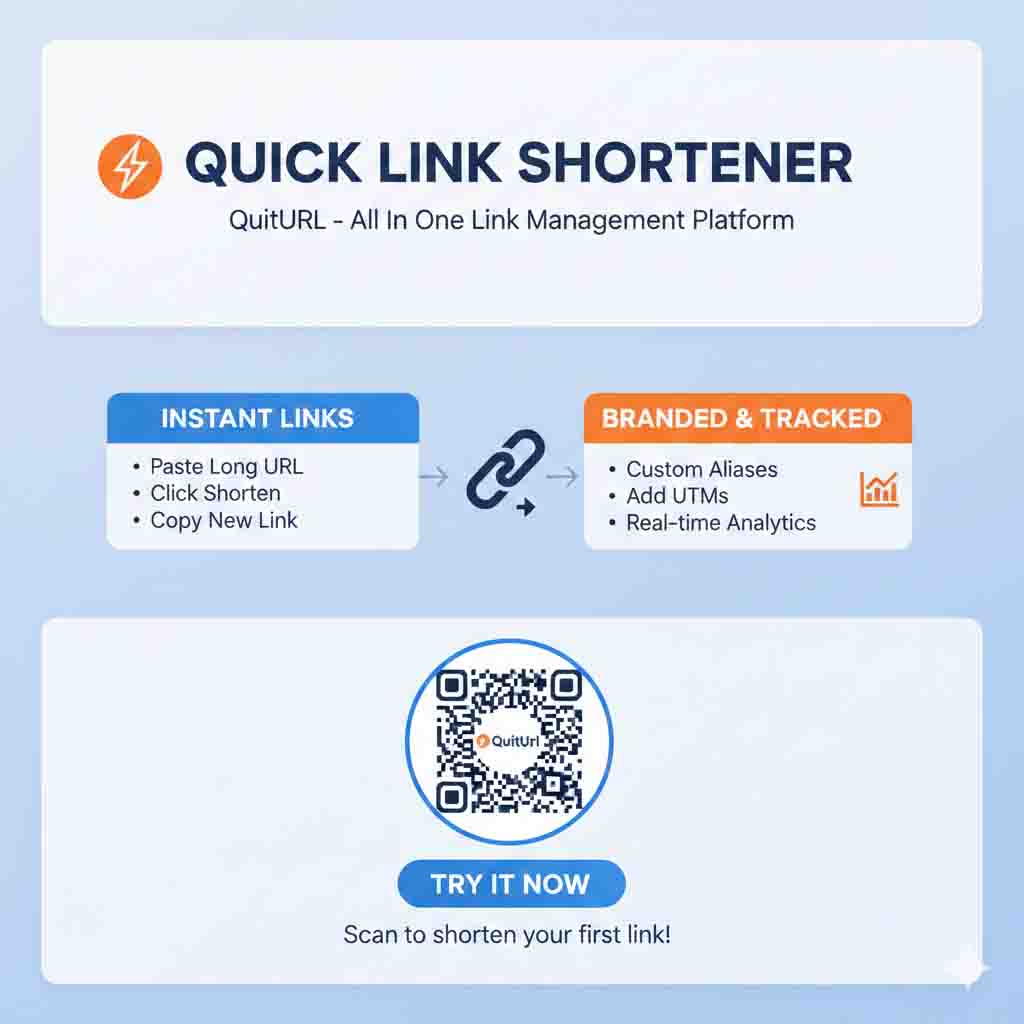
QuitURL’s analytics dashboard lets you see how many people clicked your LinkedIn links, from which country, and what device they used. This helps you measure content performance and refine your strategy.
3. Add UTM Parameters
Add tracking tags (UTMs) to your links — for example:https://quiturl.com/offer?utm_source=linkedin&utm_campaign=social_post
Now you’ll know exactly how much traffic came from LinkedIn.
4. Use QR Codes for Events & Networking
When attending LinkedIn events or meetups, create a QR Code with QuitURL that links to your profile or portfolio. People can scan and connect instantly.
5. Optimize Your “Link in Bio”
QuitURL also lets you create a Link-in-Bio page. Add all your top links (portfolio, case studies, newsletter, product pages) in one place and share that single link on your profile.
⚡ Bonus Tips to Maximize Engagement
✅ Post valuable content consistently — your short links should lead to useful resources.
✅ Add a call-to-action (CTA) like “Learn More,” “Download Free,” or “Try Now.”
✅ Test multiple versions using QuitURL’s A/B testing to see which links convert better.
🌍 Real Results
LinkedIn creators who use branded, trackable links see up to 2x more engagement than those who post raw URLs. The reason? Trust, clarity, and data-driven optimization.
🚀 Start Shortening Smarter
If you want to drive more engagement, clicks, and conversions on LinkedIn — don’t just shorten links, own them.
👉 Try QuitURL.com — the #1 Bitly Alternative and the most powerful LinkedIn link shortener built for creators, marketers, and businesses.
SEO Keywords:
LinkedIn link shortener, Bitly alternative, best URL shortener, branded links, QR code generator, link in bio page, QuitURL, trackable links, LinkedIn marketing.