


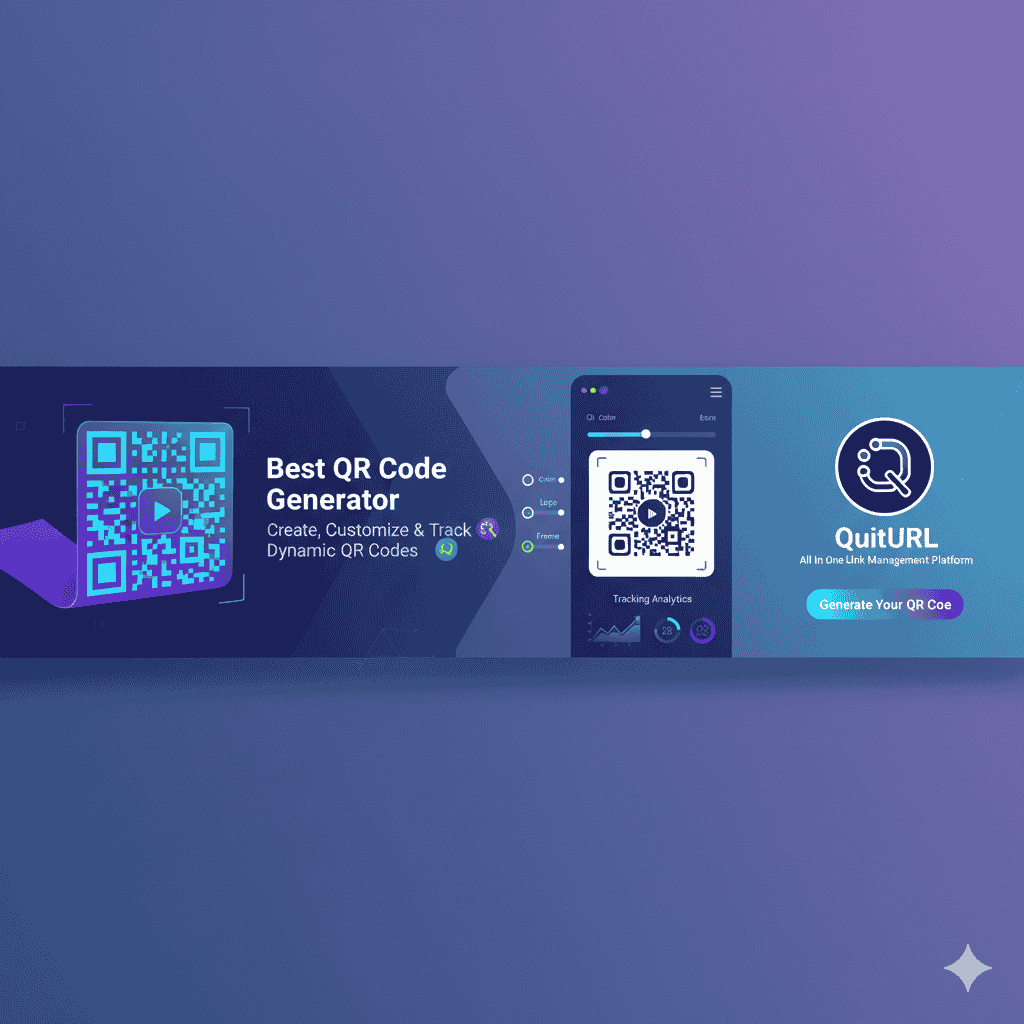
In today’s fast-paced digital world, QR codes have become a simple yet powerful bridge between physical and digital experiences. Whether you’re a marketer linking customers to a landing page, a restaurant offering a contactless menu, or a business sharing contact details instantly — QR code generators make it effortless.
A QR Code Generator is an online tool that lets you create, design, and share unique QR codes for any purpose — from URLs and files to payments and Wi-Fi access.
What is a QR Code Generator?
A QR Code Generator is a software or online platform that creates QR codes (Quick Response codes). These are scannable, two-dimensional barcodes that store information such as a website URL, phone number, PDF file, or social media link.
When a user scans the code using a smartphone camera, they’re instantly taken to the linked destination — making the process fast, interactive, and contactless.
Why You Need a QR Code Generator
QR codes are everywhere for a reason — they save time, improve engagement, and strengthen branding. Here are the main benefits:
- ✅ Instant access to digital content
- ✅ Trackable scans and performance analytics
- ✅ Fully customizable design with logos and colors
- ✅ Ideal for marketing, payments, and contactless services
- ✅ Affordable and scalable for any business
Static vs. Dynamic QR Codes: Which One Is Right for You?
| Type | Editable? | Tracking Available? | Best For |
|---|---|---|---|
| Static QR Code | ❌ No | ❌ No | One-time campaigns, personal use |
| Dynamic QR Code | ✅ Yes | ✅ Yes | Businesses, marketing, analytics |
Static QR codes are permanent — once created, the data can’t be changed. Dynamic QR codes, on the other hand, allow editing the destination and tracking scan data such as device type, location, and time.
If you’re running campaigns or need data insights, go dynamic — it’s the smarter long-term choice.
How to Use a QR Code Generator (Step-by-Step)
Creating your first QR code is quick and easy. Here’s how:
- Select Content Type — Choose what you want to link (URL, text, vCard, PDF, WiFi, etc.).
- Customize the Design — Pick colors, add your logo, change shapes, and make it brand-friendly.
- Generate and Test — Create your code, then test it using multiple devices before sharing.
- Download and Share — Save it as PNG, JPG, or SVG and print or embed it online.
The Power of Customization: Branding Your QR Code
A generic black-and-white QR code works — but a branded, colorful one gets noticed. Studies show that custom QR codes increase scan rates by up to 50%.
Add your brand’s logo, choose colors that match your identity, and shape patterns that stand out — it makes your code instantly recognizable and professional.
Design Best Practices for Scannability
To ensure your QR code scans perfectly every time, follow these design rules:
- Maintain high contrast (dark code on light background).
- Keep a quiet zone (blank space) around the code.
- Minimum size: 2 x 2 cm for print materials.
- Avoid distortion or pixelation when resizing.
Choosing the Right File Format (PNG, SVG, EPS)
Each format serves a purpose:
- PNG/JPG — Best for digital use and social media.
- SVG/EPS — Ideal for printing and large-scale marketing materials because they scale without losing quality.
The Essential Role of QR Code Tracking and Analytics
Modern businesses don’t just create QR codes — they analyze them. With a dynamic QR code, you can track:
- Number of scans
- Location of users
- Time and date of each scan
- Device type (Android/iOS)
This data helps you measure campaign performance, audience behavior, and return on investment (ROI).
Top Use Cases for Different Industries
QR codes are versatile — here’s how various industries use them:
- Marketing: Drive traffic to landing pages or promotional offers.
- Hospitality: Display digital menus and enable instant WiFi access.
- Retail: Offer quick access to product info, reviews, and payments.
- Networking: Share digital business cards using vCard QR codes.
Integrating QR Codes with Other Tools (API & Bulk Creation)
For large-scale businesses, QR generators often provide API integrations and bulk creation tools. These features help automate code generation for thousands of products or marketing campaigns without manual effort — saving hours of time and improving efficiency.
Security and Data Privacy Considerations
Not all QR generators are safe. Always choose one that ensures:
- Secure HTTPS links
- No malware or intrusive ads
- Data encryption and privacy protection
Trusted platforms maintain high security standards, ensuring your links and customer data remain safe.
Comparing Top QR Code Generator Platforms
Here’s a quick comparison of some leading tools:
💡 QuitURL.com, developed by Deep Thinkar LLC, stands out for its balance of advanced analytics, design flexibility, custom domains, API access, and affordable plans — making it one of the best QR code generators available globally.
Red Flags: What to Avoid in a QR Code Generator
Be cautious if a generator:
- Adds ads or redirects to spammy websites.
- Offers “free forever” dynamic codes with no transparency.
- Produces low-resolution or poor-quality downloads.
- Does not support HTTPS or reliable analytics.
Troubleshooting: Why Is My QR Code Not Scanning?
If your code isn’t working, check these issues:
- Low color contrast
- Blurry or stretched image
- No quiet zone
- Printed too small
- Damaged surface (for printed materials)
The Future of QR Codes
The next wave of QR innovation includes AI-powered tracking, geo-based targeting, augmented reality (AR) experiences, and deep integrations with payment systems. As mobile adoption grows, QR codes will continue to be a core part of digital transformation.
Key Takeaways & Summary
- QR codes are a vital link between offline and online experiences.
- Dynamic codes are flexible, editable, and trackable — ideal for business.
- Customization boosts scans and strengthens your brand identity.
- Analytics help measure engagement and campaign success.
- Always choose a secure, reliable QR generator like QuitURL.com for the best results.
Frequently Asked Questions (FAQs)
Q1: Are free QR codes dynamic?
Most free generators offer only static codes. To track and edit links, you need a dynamic QR code (often under a paid plan).
Q2: Do QR codes expire?
Static codes don’t expire, but dynamic ones may require an active subscription to keep them live.
Q3: What is the best QR code generator?
QuitURL.com is one of the best QR code generators for creating, customizing, and tracking codes with analytics, branding, and API access.
Q4: Can I track who scanned my QR code?
While you can’t identify users personally, dynamic QR codes let you see when, where, and what device was used to scan.
Author & Credibility Statement
Written by Durjoy Kumar Biswas (Mr. DKB) — Founder of Deep Thinkar LLC and QuitURL.com, an entrepreneur, digital marketer, and tech writer specializing in SaaS, SEO, and digital transformation. With years of hands-on experience in online marketing and product development, Mr. DKB shares practical insights into tools that empower businesses in the digital age.